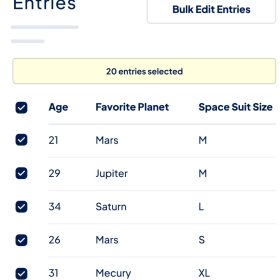

The GravityView Entry Revisions extension allows you to show the full history of changes to an entry, what field values changed, and who changed them. Restore the entry version you want with a single click.
This is EXACTLY the same product as distributed by the developer. Sales Page
Key Features
-
Audit Trail: See exactly who changed a field, what the value was before, and when the change occurred.
-
One-Click Restore: If a mistake is made during an edit, you can roll back the entire entry or specific fields to a previous version instantly.
-
Side-by-Side Comparison: View different versions of an entry next to each other with highlighted differences (red for deletions, green for additions).
-
Front-End Integration: When paired with GravityView, you can display the revision history on the front end of your site so users can see their own edit history.
-
Email Notifications: You can trigger custom Gravity Forms notifications specifically when an entry is updated, keeping admins in the loop.
How it Works with GravityView
GravityView allows you to display and edit entries on the front end. GravityRevisions adds a layer of security to this process. You can display the revision history within a “View” using specific Merge Tags in a Custom Content field:
| Merge Tag | Function |
{entry_revision_list} |
Displays a list of all changes made to the entry over time. |
{entry_revision_diff} |
Shows a side-by-side comparison of the most recent changes. |
{entry_revision_link} |
Provides a link to view the full revision history. |
Why Use It?
-
Data Integrity: Essential for sites where multiple people edit the same entries (e.g., job boards, member directories, or internal databases).
-
Accountability: Provides a clear paper trail for compliance or management purposes.
-
Safety Net: Prevents permanent data loss from accidental “fat-finger” edits or bulk updates.
- Categories: WordPress Plugins
- Tags: GravityView