
GravityActions is a specialized WordPress add-on developed by GravityKit (formerly GravityView). It is designed to solve one specific, common pain point: the tedious process of editing Gravity Forms entries one by one.
This is EXACTLY the same product as distributed by the developer. Sales Page
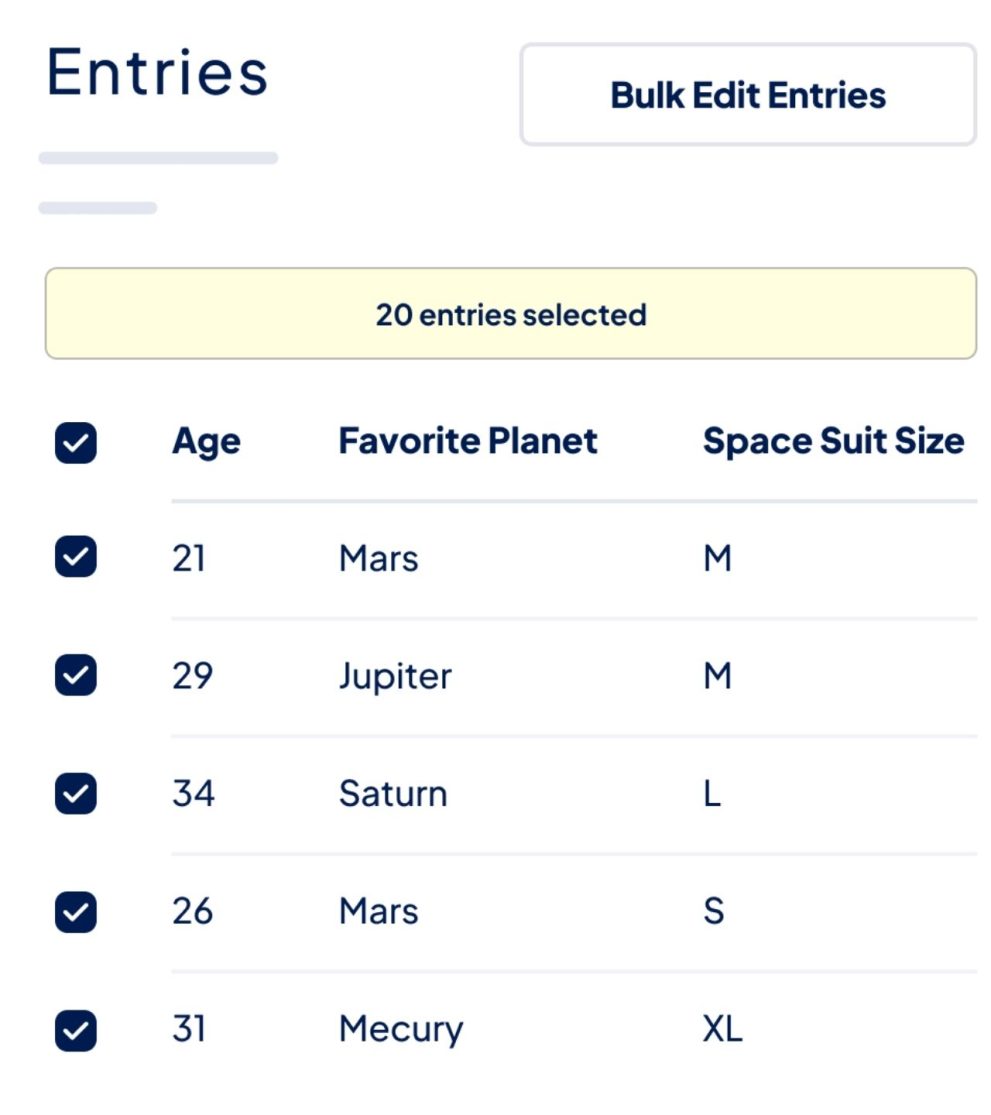
Bulk Entry Editing: Modify specific fields across hundreds of entries simultaneously. For example, you can change the status of 50 orders from “Processing” to “Shipped” in one go.
Bulk Emailing: Send personalized emails to multiple form respondents at once. It supports Gravity Forms Merge Tags, allowing you to include the user’s name or specific entry data in the message.
No-Code Interface: It integrates directly into the standard Gravity Forms “Entries” page. You simply select your entries, choose “Bulk Edit” from the dropdown, and follow a guided 3-step wizard.
Field Support: It works with most standard and advanced field types, including:
Text (Single Line & Paragraph)
Checkboxes, Radio Buttons, and Select drops
Address, Phone, Email, and Website
Entry Meta (Date created, status, etc.)
Data Validation: Before updates are applied, the plugin validates the data to ensure it matches the field requirements, preventing database errors.
Select: Go to your Entries list and check the boxes for the entries you want to change.
Configure: A modal pops up asking which fields you want to update and what the new values should be.
Review & Update: You get a summary of how many entries will be affected. Once you confirm, the plugin processes the changes and refreshes the page.
Efficiency: It is significantly faster than the native Gravity Forms workflow, which requires opening each entry individually.
Accuracy: Reduces the risk of “human error” that comes with repetitive manual data entry.
Audit Trail: It works seamlessly with other GravityKit tools (like GravityRevisions) if you need to track who changed what.