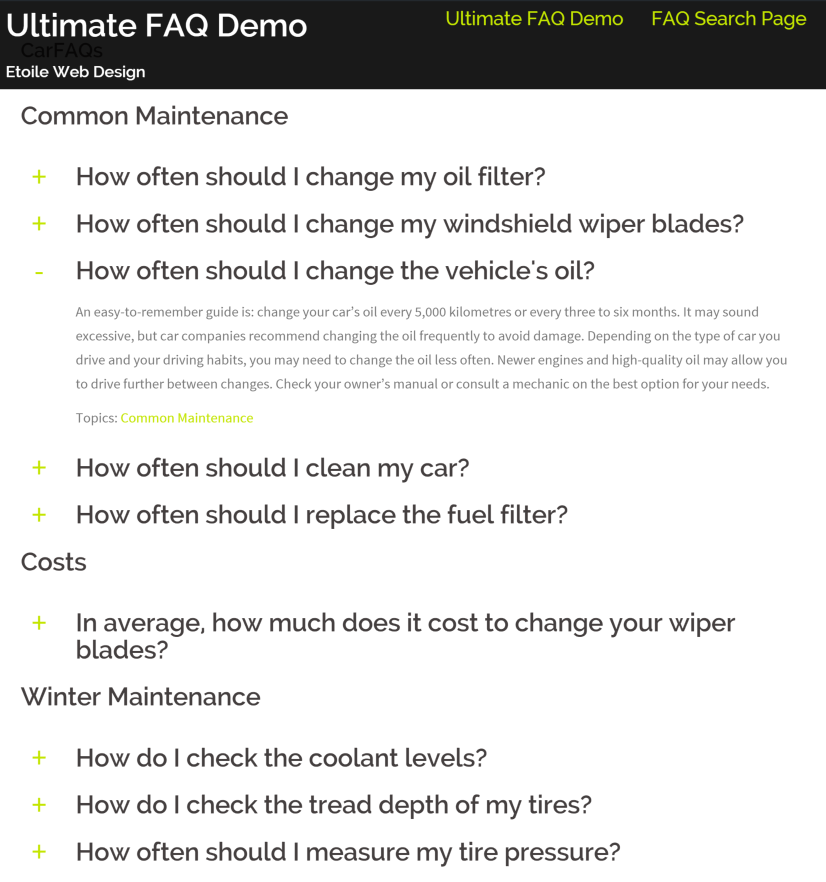

The SupportCandy FAQ Integration add-on will integrate popular FAQ plugins (Ultimate FAQ & Arconix FAQ) available for WordPress. These add-ons are integrated with SupportCandy so that agents can use the FAQ when responding to trouble tickets.
This is EXACTLY the same product as distributed by the developer. Sales Page
THIS ITEM IS ACTIVATED
Key Features & Functionality
The integration is primarily an “agent productivity” tool. It doesn’t just link to an FAQ; it embeds the workflow into the reply interface.
-
Direct Search: Agents can search for FAQ topics directly from the ticket reply area without leaving the page.
-
Insert Content or Link: You can choose to insert the full text of an FAQ article into the reply (acting like a “canned response”) or simply insert a direct link to the FAQ page.
-
Macro-like Behavior: It functions similarly to “Macros,” allowing for rapid-fire responses to common questions.
-
Unified Support: By integrating your FAQs, you ensure that your agents are providing the same “official” answers that are published on your website.
Technical Specifications
| Category | Details |
| Current Version | 3.0.9 (as of February 2026) |
| License Type | GPL (requires a SupportCandy bundle or individual add-on purchase) |
| Prerequisites | Must have the core SupportCandy (Free or Pro) plugin installed. |
| Supported FAQ Plugins | Ultimate FAQ, Arconix FAQ, and other popular WordPress FAQ tools. |
| Updates | Typically bundled with SupportCandy’s “Personal,” “Professional,” or “Agency” annual plans. |
Supported Integrations
While this specific add-on focuses on FAQ plugins, SupportCandy also offers a separate Knowledgebase Integration for more robust documentation tools. The FAQ Integration specifically targets:
-
Arconix FAQ
-
Ultimate FAQ
-
BetterDocs (often covered under the broader Knowledgebase integration)
-
Knowledgebase by UnboundStudio
Installation & Setup
-
Install the Add-on: Download the
.zipfrom your SupportCandy account and upload it viaPlugins > Add New > Upload. -
Activate: Once activated, a new “FAQ” or “Knowledgebase” icon/link will appear below the ticket reply text editor in the agent portal.
-
Configure: Go to
Support > Settings > Integrationsto ensure your specific FAQ plugin is recognized and mapped correctly.
- Categories: WordPress Plugins
- Tags: SupportCandy