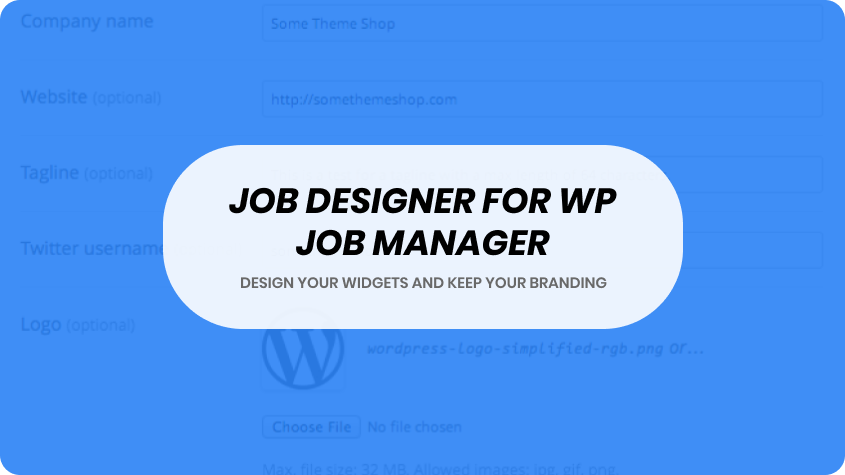

The Job Designer add‑on transforms the standard job‑listing layout within the WP Job Manager plugin into a fully customizable and visually driven experience. It enables you to design job‑archive pages, listing grids, job‑detail views and submission layouts using drag‑and‑drop, style controls and layout presets—without needing custom code. Particularly suited for job boards built with Elementor or other page builders, it gives designers and site owners full control over presentation, discovery, and brand consistency.
$4.99
Download 5,000+ Themes & Plugins for Only $15 Join Now
This is EXACTLY the same product as distributed by the developer. Sales Page
What is Job Designer?
On many job‑board sites, the structure of job listings and detail pages is dictated by the core plugin or theme, limiting flexibility. Job Designer breaks this mold by offering a visual design layer: you control how job listings, filters, submissions and company profiles appear—matching your brand’s look and feel rather than adapting to predefined templates.
Key Features
- Visual layout design: Customize archive (jobs list) and single listing page layouts using intuitive settings or builder templates.
- Drag‑and‑drop content modules: Rearrange job item elements—logo, title, meta, apply button, tags, location—so each listing appears as you prefer.
- Preset skins & styling options: Choose from several ready‑made layout styles, then tailor colours, typography, spacing and imagery to match your site.
- Flexible job‑item presentation: Determine which metadata appears and where (e.g., salary, employment type, category, tags) and hide or show fields at will.
- Design control for submission form: Modify how the job submission page looks, order the steps or fields, and align the experience with front‑end branding.
- Responsive and performance‑aware: Layouts adapt smoothly to mobile, tablet and desktop while ensuring content remains clear, readable and fast‑loading.
Typical Use Cases
- A recruitment agency builds a custom job board and uses Job Designer to create a branded listing grid with featured companies, highlighted jobs, and custom listing cards.
- A niche job‑site for tech roles wants a modern, filterable archive with large company logos, hover animations, and a custom layout that distinguishes it from generic listings.
- A global employment platform uses Job Designer to build regionalised listing layouts with custom metadata for each locale—while maintaining consistent overall design.
- A company site uses WP Job Manager for its careers section and employs Job Designer to match the job pages visually with the rest of the corporate site, rather than leave them in a default layout.
Setup & Workflow
- Install and activate Job Designer alongside WP Job Manager.
- Navigate to the layout design interface and select whether you’re editing archive views, single job views or submission forms.
- Choose a preset layout skin or start from scratch.
- Use the layout builder to drag in modules (title, metadata fields, apply button, company info) and arrange them.
- Configure style options: fonts, colours, spacing, card style, hover effects, visibility rules for metadata.
- Preview across device types (mobile, tablet, desktop) to ensure design adapts properly.
- Save your layout and assign it: ensure it’s applied to the job board pages. Test by viewing multiple listings and submitting a job to confirm consistency and behaviour.
Benefits
- Gives full control over the look and feel of your job board—no longer restricted to the default templates.
- Improves brand continuity across your site and careers section, enhancing trust and polish.
- Enhances user engagement and discovery by allowing visual customisation of how jobs are presented and filtered.
- Reduces reliance on custom coding or developer time—site owners or designers can manage layout changes themselves.
- Scales well for niche, multi‑region or high‑volume job board setups with consistent design and flexible data presentation.
- Categories: WordPress Plugins
- Tags: Astoundify, WP Job Manager