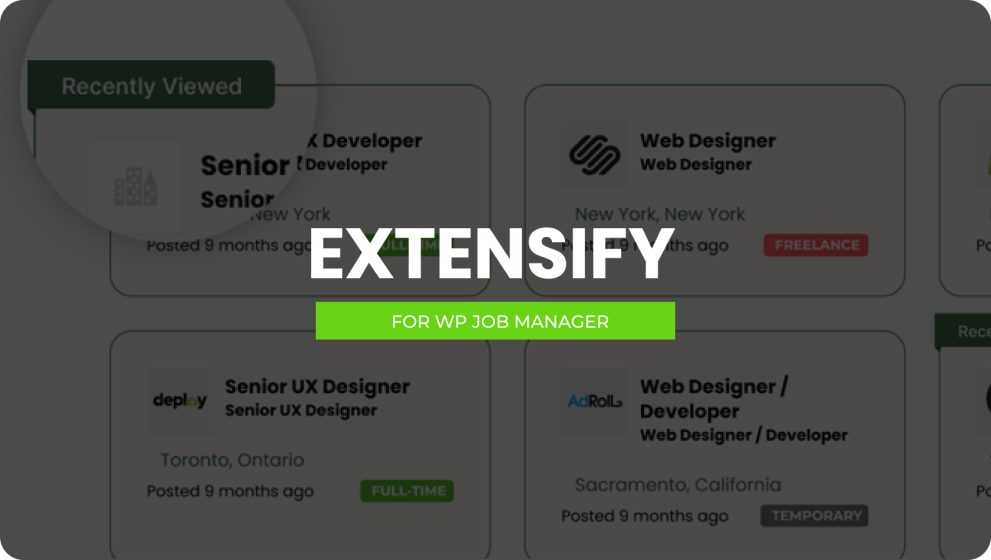

Extensify is a powerful add‑on designed to enhance directory, listing and job‑board websites built with WordPress. It provides features like recently viewed badge listings, recently viewed sliders, flexible location tools and custom form‑field editors. Whether you’re looking to boost user engagement, improve site usability or fine‑tune listing workflows, Extensify offers a suite of functionality to elevate your platform with minimal setup.
This is EXACTLY the same product as distributed by the developer. Sales Page
What is Extensify?
When you run a directory or job‑board site, you want visitors to engage, remember listings, and navigate smoothly. Extensify adds that extra layer of interactivity and customization. It includes features for tracking and displaying recently viewed listings, managing location contexts automatically, and modifying submission forms—all within the same WordPress interface. This makes your site more dynamic, user‑friendly and designer‑ready.
Key Features
- Recently Viewed Badge Listings: Automatically show a badge on listing items that a visitor has already viewed, helping them recognise content they’ve seen previously.
- Recently Viewed Slider Listings: Display a slider component of listings a visitor has browsed—encouraging them to revisit and engage further.
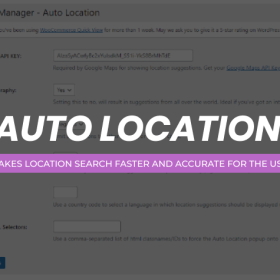
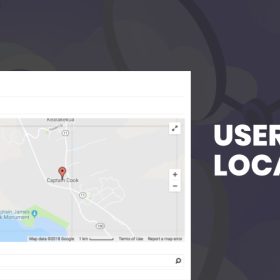
- Auto & Custom Location Tools: Set up automatic location detection, default map markers, and visual location pinpointing to simplify search and listing localisation.
- Form‑Field Editor for Listings: Add, remove or re‑order custom fields in job‑ or listing‑submission forms to tailor your workflow and capture exactly the data you’ll use.
- Customization & Performance Focus: Built with clean code and performance in mind to ensure minimal impact on site speed while offering advanced features.
- Regular Updates & Support: The add‑on receives ongoing enhancements and includes support for setup, troubleshooting and integrations.
Typical Use Cases
- A directory site wants to show each visitor a “You recently viewed” section based on badges or sliders to increase return visits.
- A job‑board platform enables visitors to search based on detected location, default map markers and adjustable results radius—improving local relevance.
- A listing service customises its submission form fields to include extra information (e.g., salary range, company size, licence type) to align with business needs.
- An agency deploying multiple client directory sites uses Extensify to provide added user features (recent views, location defaults) without having to build custom code for each project.
Setup & Workflow
- Install and activate the Extensify add‑on in your WordPress environment.
- Navigate to the settings panel and configure the “Recently Viewed” feature: select badge or slider mode, define number of listings to show, set layout preferences.
- Configure location tools: enable auto‑detection, set default marker behavior, specify which pages or listing types apply location logic.
- Use the form‑field editor to modify submission forms: add new fields, re‑order steps, enable/disable specific fields.
- Test the user experience: browse listings, verify items show badges or sliders, check that location detection applies correctly, test submission form changes.
- Monitor site metrics to evaluate engagement: look for increased revisit rate, lower bounce from listing pages, improved form‑completion rates.
Benefits
- Enhances user experience by recognising what listings visitors have viewed and offering quick access back to them.
- Strengthens localisation by making listings relevant to users’ locations through auto‑detection and smart mapping.
- Improves data capture and listing quality by letting you tailor submission forms to your business or niche.
- Adds value to your directory or job‑board site with features often only found in custom‑built platforms.
- Reduces development time and technical overhead: site owners can enable advanced listing‑features without custom coding.
- Categories: WordPress Plugins
- Tags: Astoundify, WP Job Manager