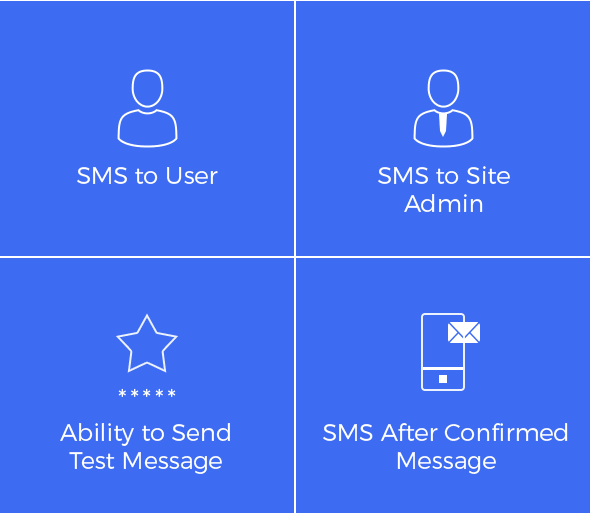

The ARForms SMS Add-on is a premium extension for the ARForms WordPress Form Builder plugin. It bridges the gap between digital form submissions and real-time mobile notifications, allowing you to send automated text messages to both users and site administrators.
This is EXACTLY the same product as distributed by the developer. Sales Page
Key Features
-
Two-Way Notifications: You can configure the plugin to send an SMS to the Admin (to alert them of a new lead) and to the User (as a confirmation or “Thank You” message).
-
Customizable Content: Messages are fully customizable. You can use dynamic form field values (like the user’s name or a reference ID) within the body of the text.
-
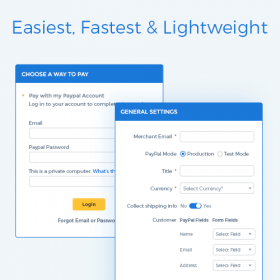
Payment Integration: It integrates with the ARForms PayPal Add-on, allowing you to trigger an SMS notification only after a payment has been successfully confirmed.
-
Test Connectivity: Includes a “Send Test SMS” feature so you can verify your API credentials and gateway connection before going live.
Supported SMS Gateways
The add-on does not send messages directly from your server; it connects to specialized third-party providers. Out of the box, it supports:
-
Twilio (Most popular globally)
-
Nexmo (Now Vonage)
-
Clickatell
-
SMSGlobal
Technical Requirements
To ensure the plugin runs smoothly, your environment should meet these minimum standards:
-
ARForms Pro: Version 3.3 or higher.
-
WordPress: Version 4.5 or higher.
-
PHP: Version 5.6 or higher.
How to Set It Up
-
Installation: Upload the
arformssmsfolder to your/wp-content/plugins/directory and activate it. -
Configuration: Navigate to the ARForms settings and find the SMS Configuration tab.
-
Gateway Setup: Enter your API Key, Secret, or Auth Token provided by your chosen gateway (e.g., Twilio).
-
Form Mapping: Inside your specific form editor, go to Submit Actions. Enable “SMS Notification” and map the “Phone Number” field to the one in your form so the plugin knows where to send the text.
Use Case Examples
| Use Case | How it Works |
| Lead Generation | Instantly text a sales rep the moment a “Request a Quote” form is filled out. |
| Event Registration | Send a “Registration Successful” text with the event date/time to the attendee. |
| Secure Orders | Notify a customer that their payment was received via the PayPal integration. |
- Categories: WordPress Plugins
- Tags: ARForms