
The ARForms – Signature Addon is a premium extension for the ARForms WordPress Form Builder. It is designed to capture handwritten signatures digitally without requiring users to install external browser plugins or third-party software.
This is EXACTLY the same product as distributed by the developer. Sales Page
Touch & Device Support: Works seamlessly across desktops (mouse/trackpad), tablets, and mobile devices (touchscreens).
Vector-Based Capturing: Uses a high-quality canvas to capture signatures, which are then converted into PNG images.
Storage & Management: Signatures are stored on your server and attached to the specific form entry. You can view them in the admin panel or include them in email notifications.
Conditional Logic: Like any other ARForms field, you can use conditional logic to show or hide the signature field based on a user’s previous answers.
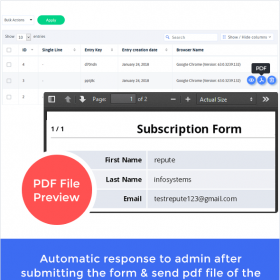
Export Options: When paired with the PDF Creator Add-on, signatures can be embedded directly into generated PDF documents (ideal for contracts or waivers).
Customization: You can adjust the width, height, and appearance of the signature pad to match your form’s design.
Install: Upload the .zip file via your WordPress Plugins menu.
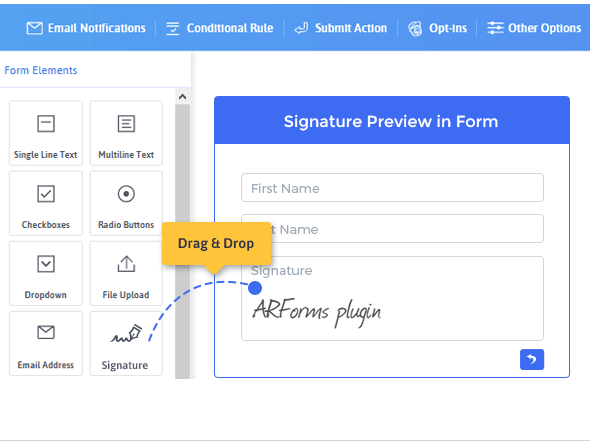
Add Field: Open your ARForm editor, look under Advanced Form Elements, and drag the “Signature” field into your form.
Configure: Click the field settings to set it as “Required” and adjust the canvas size.
Notifications: Go to Email Settings to ensure the signature tag is included in the emails sent to you or the client.