
Digital download with ARForms plugin allows you to quickly download digital products after submitting ARForms forms. After successful payment, the user can use the formatted payment attachment to safely download the digital product. This extension is only compatible with ARForms plugin.
This is EXACTLY the same product as distributed by the developer. Sales Page
The Digital Download Add-on for the ARForms WordPress plugin is a dedicated tool that turns your standard forms into a delivery system for digital goods like eBooks, software, music, or PDFs.
Key Features
-
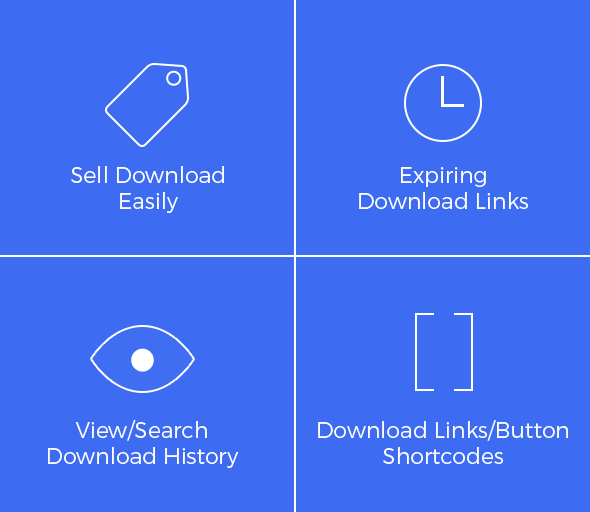
Instant Delivery: Users receive a download link or button immediately after a successful form submission (or successful payment if integrated with a payment add-on).
-
Internal & External Hosting: You can upload files directly to your WordPress server (Internal) or provide a link to a file hosted on a third-party service like Google Drive or Dropbox (External).
-
Security & Protection: * Expiring Links: You can set a time limit (e.g., 24 hours) after which the download link becomes invalid.
-
Download Tracking: A built-in history log tracks who downloaded what, their IP address, and the date/time.
-
-
Flexible Presentation: You can choose to display the download as a simple text link or a stylized button.
-
Notification Integration: You can automatically attach the digital file to the confirmation email sent to the user or the admin.
How to Set It Up
The workflow for the add-on is straightforward and integrates directly into the ARForms editor:
-
Manage Products: Navigate to
ARForms->Manage Productsin your WordPress dashboard to create your “Digital Product.” Here, you’ll name the product and upload the file or paste the external URL. -
Add to Form: Open your form in the ARForms builder. You will find a new “Download” field under the Advanced Form Elements section.
-
Map the Product: Drag the Download field into your form and select which product (created in step 1) should be associated with this specific form.
-
Configure Actions: In the field settings, decide if the link should appear on the “Success” page, be sent via email, or both.
Use Cases
| Scenario | Why use ARForms Digital Download? |
| Lead Magnets | Offer a free PDF guide in exchange for an email address. |
| Simple Sales | Combine with the PayPal or Stripe Add-on to sell a single eBook without a cart. |
| Paid Membership | Use it alongside ARMember to provide exclusive downloads to specific member tiers. |
| Software Distribution | Securely provide trial versions or license-based software files. |
- Categories: WordPress Plugins
- Tags: ARForms