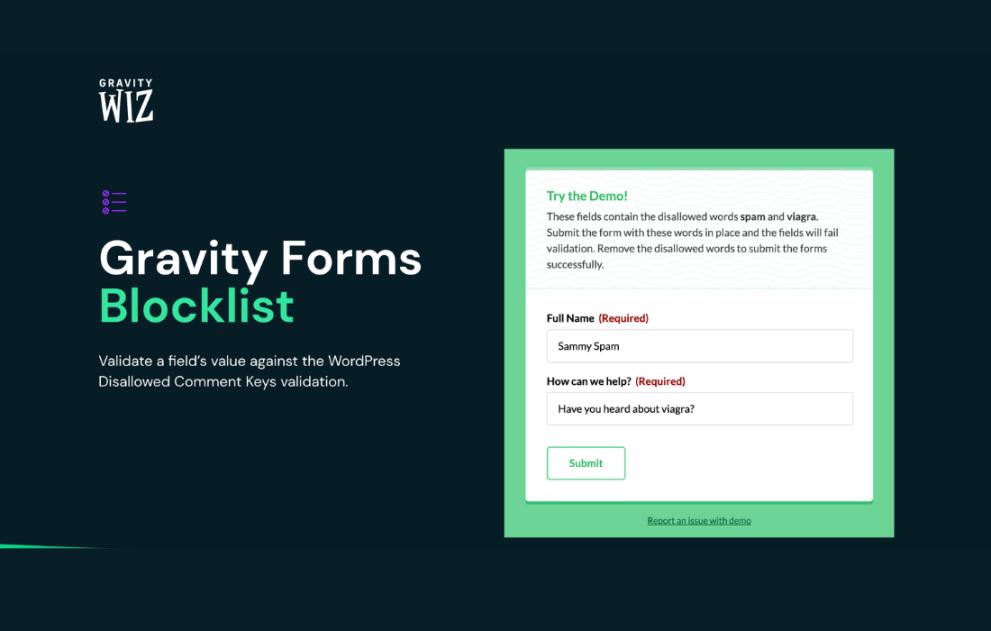

Gravity Perks Blocklist allows administrators to prevent form submissions based on blocked values such as email addresses, domains, words, IPs, or custom field input. It helps reduce spam, enforce policies, and protect data quality by stopping unwanted or restricted submissions before they are saved.
This is EXACTLY the same product as distributed by the developer. Sales Page
Gravity Perks Blocklist Introduction
Gravity Perks Blocklist extends Gravity Forms by giving site owners precise control over who can submit forms and what data is allowed. Instead of reacting to bad submissions after they are saved, this plugin proactively blocks unwanted entries at the validation stage. It is ideal for preventing spam, enforcing internal rules, and protecting sensitive workflows.
Key Features
- Block submissions based on specific email addresses or domains
- Prevent form entries containing restricted words or phrases
- Block submissions using IP addresses or IP ranges
- Apply block rules to any form field type
- Use wildcard and partial matching for flexible blocking
- Support for case-sensitive or case-insensitive rules
- Custom validation messages for blocked submissions
- Conditional block rules based on form logic
- Centralized blocklist management across multiple forms
- Reduced spam without third-party services
Getting Started
After activation, administrators define block rules within the Gravity Forms interface. Rules can be applied globally or per form. Once enabled, blocked submissions are stopped instantly with clear user feedback.
Summary
Gravity Perks Blocklist is a powerful defensive tool for Gravity Forms. It improves data quality, reduces spam, and enforces submission policies with minimal configuration.
- Categories: WordPress Plugins
- Tags: Gravity Perks