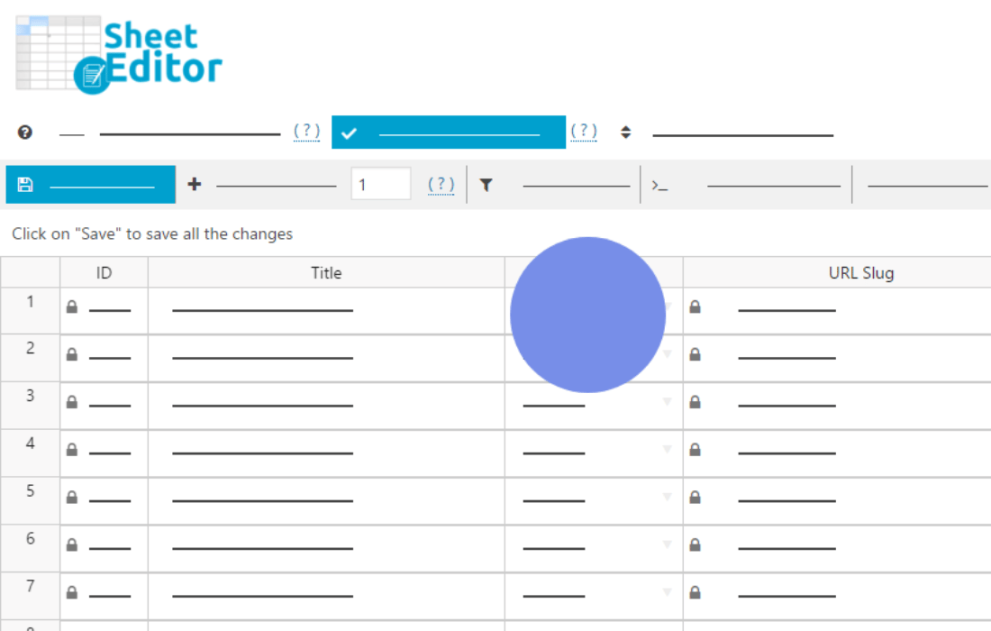

The WP Sheet Editor – Polylang extension is a bridge that brings the power of spreadsheet-style bulk management to the Polylang multilingual system. Instead of clicking through every individual post or page to add translations, you can manage your entire multilingual site from a single, Excel-like interface.
This is EXACTLY the same product as distributed by the developer. Sales Page
Core Features & Benefits
-
Bulk Translation Management: View all your posts, pages, or WooCommerce products in a grid. You can see at a glance which items are missing translations and fill them in directly in the cells.
-
Centralized Spreadsheet Columns: The extension adds specific columns to your spreadsheet:
-
Polylang: Language: Displays the current language of the row.
-
Polylang: Translation of: Shows the “parent” or source item that the current row is translating.
-
-
External Translation Workflow: You can export your content to a CSV file (for Excel or Google Sheets), send it to a professional translator, and then import the finished translations back into WordPress.
-
AI-Powered Translations (Recent Feature): Newer versions support bulk translation using generative AI (GPT, Gemini, etc.). You can paste an AI prompt into a cell or use the Bulk Edit tool to translate thousands of titles, descriptions, or custom fields in minutes.
How the Workflow Works
The plugin essentially simplifies the “manual” nature of Polylang by automating the linking of translated posts.
Why Use It?
-
Speed: Editing 100 posts in a spreadsheet takes a fraction of the time compared to opening 100 individual “Edit Post” tabs.
-
Accuracy: It’s much easier to spot missing translations or inconsistent metadata when you see everything in a list.
-
Compatibility: It works with Custom Post Types (Portfolios, Events, etc.) and Custom Fields (ACF, Meta Box), allowing you to translate technical data that is often hard to reach in the standard editor.
- Categories: WordPress Plugins
- Tags: WP Sheet Editor