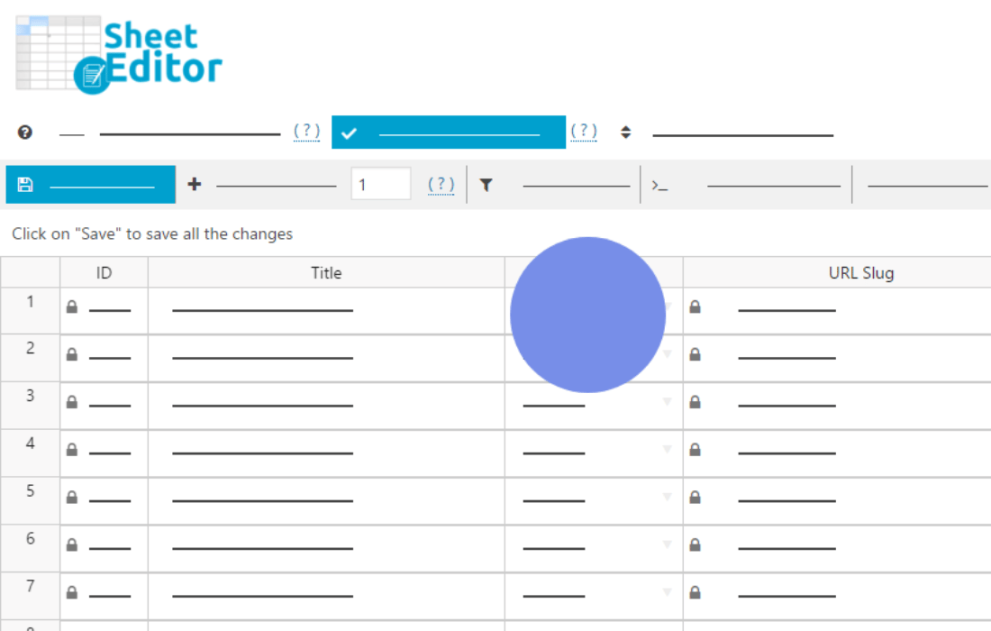

The WP Sheet Editor – JetEngine integration is a powerful extension that allows you to manage Crocoblock’s JetEngine content using a spreadsheet interface. Instead of opening individual posts or custom content types (CCTs) one by one, you can bulk-edit, filter, and export them as if you were working in Excel or Google Sheets.
This is EXACTLY the same product as distributed by the developer. Sales Page
Note: This Product is Activated.
Key Capabilities
1. Bulk Editing Everything
You can perform mass updates on any JetEngine-specific field. This includes:
-
Custom Post Types (CPTs): Edit titles, dates, and all meta fields in bulk.
-
Custom Content Types (CCTs): Full support for JetEngine’s high-performance CCT tables.
-
Relations: Manage “Parent-Child” or “Many-to-Many” relations directly from the sheet.
-
Taxonomies & Users: Bulk edit custom fields attached to terms or user profiles.
2. Supported Field Types
The plugin recognizes and allows inline editing for almost all 18+ JetEngine field types:
-
Basic: Text, Textarea, Numbers, and Date/Time.
-
Choice: Select, Checkboxes, Radio buttons, and Glossaries.
-
Advanced: Colorpicker, Icons, and Media/Gallery.
-
Repeaters: You can view and edit JetEngine repeater field data within the spreadsheet rows.
3. Advanced Filtering & Search
You can find specific items using JetEngine meta fields as filters. For example:
-
Find all “Properties” where the “Price” meta field is between $200k and $500k.
-
Find all “Events” where the “Date” is in the past and change their status to “Archived.”
4. Import & Export
You can export your JetEngine data to a CSV or Excel file, edit it offline, and import it back. The plugin handles the background mapping so your custom fields land in the right place.
- Categories: WordPress Plugins
- Tags: WP Sheet Editor