
Depending on what you are trying to achieve, “Gravity Forms Debug” usually refers to one of three things: the built-in logging core, the official (legacy) Debug Add-On, or developer-focused third-party tools.
This is EXACTLY the same product as distributed by the developer. Sales Page
As of Gravity Forms v2.2, debugging is integrated into the core plugin. You do not need a separate add-on for basic troubleshooting.
Access: Forms > Settings > Logging.
Log Types: You can enable “All Messages,” “Errors and Warnings,” or “Off” for Gravity Forms Core and each individual Add-On (e.g., Stripe, Mailchimp, Zapier).
Live Viewer: Allows you to view log files directly in the browser with a unique, secure URL.
Security: Log files use a randomized file name to prevent unauthorized access.
Integration Debugging: Essential for tracking API calls, feed processing, and communication errors with third-party services.
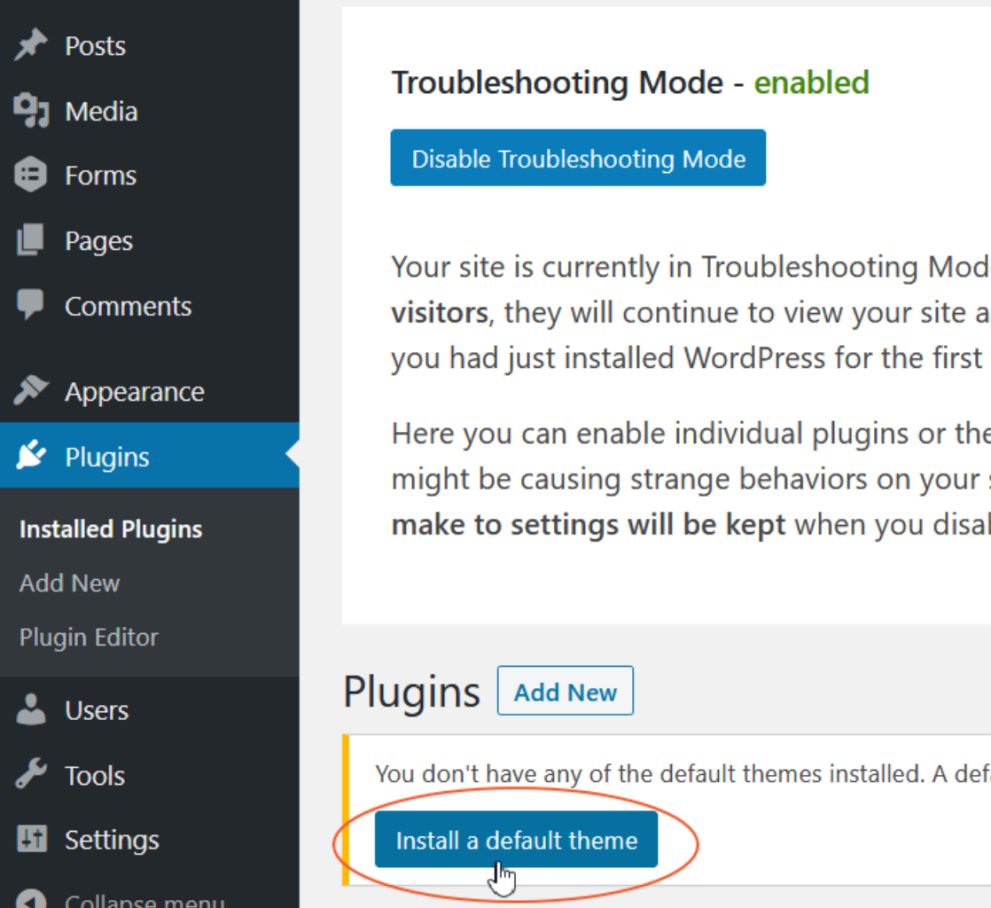
This is an official “utility” add-on used primarily for identifying conflicts with other plugins or your theme without affecting your live visitors.
Key Feature: Conflict Tester. When enabled, it allows you (the logged-in admin) to see the site with all other plugins deactivated and a default WordPress theme (like Twenty Twenty-Four) active.
Visitor Impact: Your website remains completely normal for your users; only your specific session sees the “clean” environment.
Requirement: Requires an active Gravity Forms license to download.
Functionality: Includes a “Disable Link” in case you get locked out or lose the admin bar toggle.