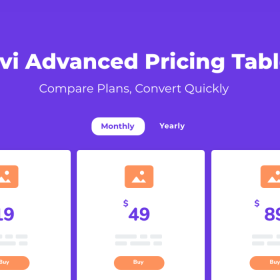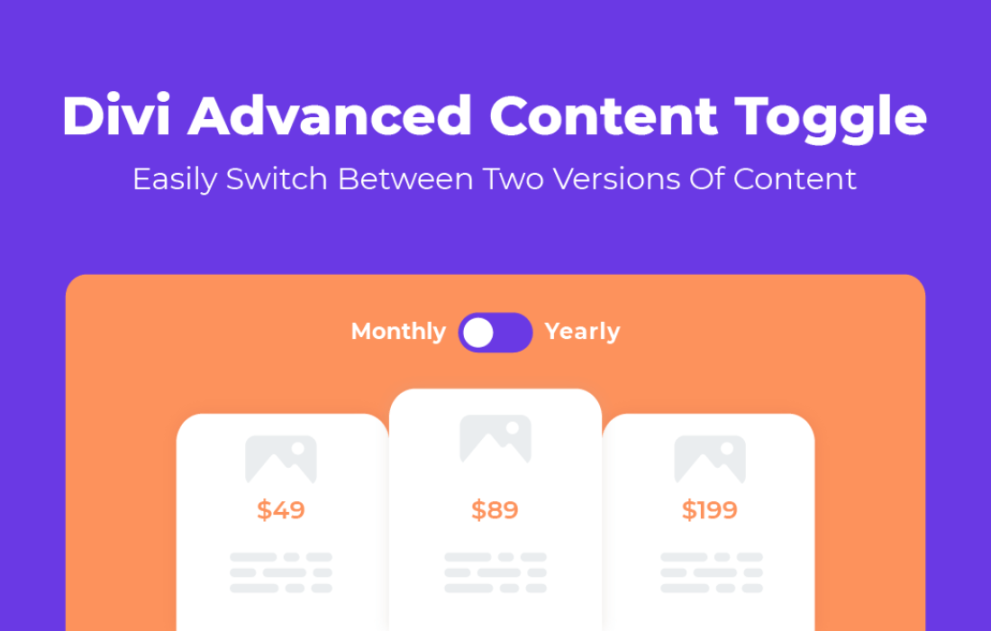

The Divi Advanced Content Toggle Module by WP Zone is a specialized plugin designed to help you create interactive “switches” (e.g., Monthly vs. Yearly pricing) within the Divi Builder.
This is EXACTLY the same product as distributed by the developer. Sales Page
Note: This Product is Activated.
To run this module, your environment must meet the following baseline:
Host Theme: Divi Theme or Extra Theme by Elegant Themes (or the Divi Builder Plugin).
PHP Version: 7.2 or greater.
WordPress Version: Compatible with current stable versions (5.x and 6.x).
Licensing: GPL (General Public License).
The module functions as a container that swaps between two distinct content views (“Primary” and “Secondary”).
| Feature | Specification |
| Input Methods | Divi Library Layouts, WordPress Shortcodes, HTML, or Custom Fields (Image/Text/Icon). |
| Switch Styles | 5 unique toggle switch designs. |
| Animations | 10 transition effects (Fade, Rotate, Shake, Bounce, etc.). |
| Content Alignment | Options to set content to “Equal Height” to prevent layout jumping. |
| Icon Support | Custom icons can be placed above, below, left, or right of the toggle labels. |
The plugin integrates directly into the Divi Builder’s Content, Design, and Advanced tabs:
Switch Logic: Select the “Default Active Switch” (left or right side by default).
Label Customization: Toggle labels can be set as clickable text or hidden entirely.
Visual Styling: * Full control over fonts, colors, and spacing for labels and the switch itself.
Separate styling for “Open” vs. “Closed” (Primary vs. Secondary) states.
Responsive Control: Independent width and visibility settings for Desktop, Tablet, and Mobile.
Custom CSS: Field-specific CSS selectors are available in the Advanced tab for granular styling (e.g., .ds_toggle__content_1).
Pricing Tables: Switching between monthly and annual billing.
Portfolios: Toggling between different categories or grid/list views.
Menus: Lunch vs. Dinner or Drink vs. Food menus.
Comparisons: Before-and-after displays or “Standard vs. Pro” feature lists.