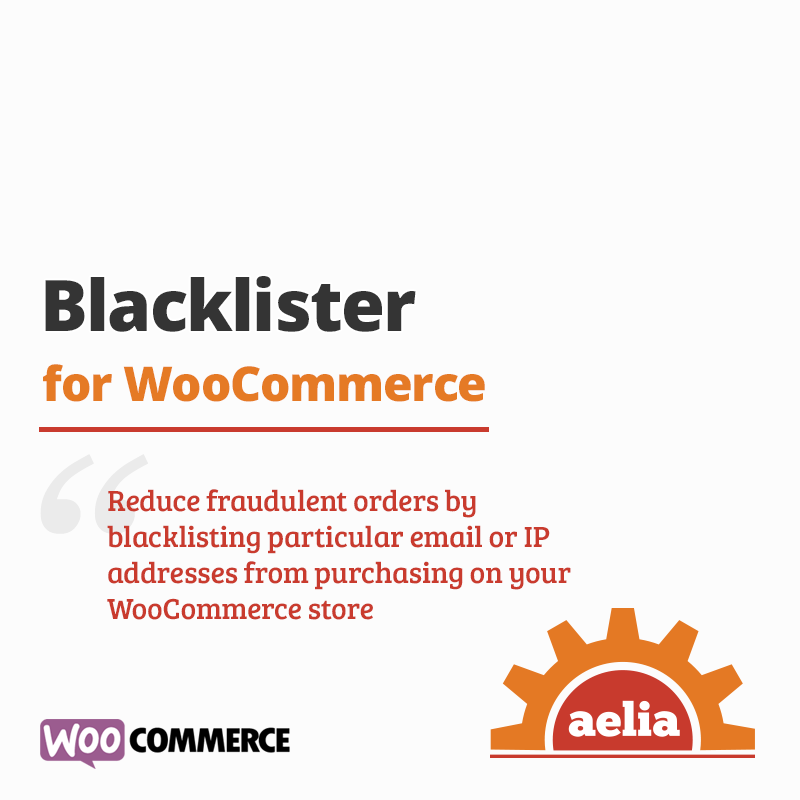

Aelia Blacklister for WooCommerce allows WooCommerce to reject orders from specific visitors based on customizable blacklist criteria. The WooCommerce blacklist service allows your store to block orders from specific visitors based on custom blacklist conditions.
This is EXACTLY the same product as distributed by the developer. Sales Page
The Aelia Blacklister for WooCommerce is a specialized security plugin designed to prevent fraudulent orders by allowing store owners to block specific customers during the checkout process. Unlike general security plugins that block site access entirely, Blacklister focuses on the transaction level, stopping “bad actors” right before they can cost you money in chargebacks or processing fees.
Key Features
The plugin allows you to set up rules to refuse orders based on several specific criteria:
-
Identity Details: Block by Full Name (First and Last).
-
Contact Info: Block specific Email Addresses, entire Email Domains (e.g.,
*@disposable.com), or Phone Numbers. -
Location: Block by Street Address, Postcode, City, State, or Country.
-
Technical Data: Block specific IP Addresses, IP Ranges (using CIDR notation), or IP Masks.
-
Pattern Matching: Supports Regular Expressions (Regex) for most fields, allowing you to catch variations of a name or address (e.g., “J. Doe” vs “John Doe”).
How It Works
-
Rule Configuration: You enter the “blacklisted” data into the plugin’s settings in your WooCommerce dashboard.
-
Checkout Check: When a customer attempts to place an order, the plugin compares their input against your rules in real-time.
-
The Block: If a match is found, the checkout process is immediately halted.
-
Custom Messaging: You can customize the error message shown to the user. This is helpful for staying professional (e.g., “We are unable to process this order at this time”) without necessarily alerting a fraudster that they have been “caught.”
- Categories: WordPress Plugins
- Tags: Aelia