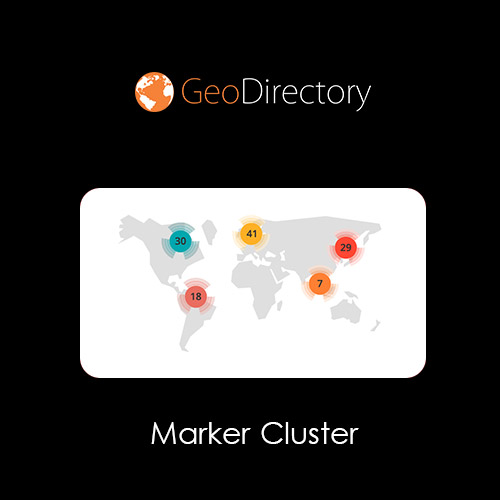

The GeoDirectory Marker Cluster add-on is essential for user map engagement on directories with many listings. Clustering markers together simplifies your data visualization by consolidating listings that are nearby each other on the map.
This is EXACTLY the same product as distributed by the developer. Sales Page
Core Technical Specifications
-
Rendering Modes: * Client-Side: Processes clusters in the user’s browser; best for smaller directories.
-
Server-Side: Processes data on the server and sends only necessary info to the browser. This is a “high-performance” mode designed for directories with millions of listings.
-
-
Compatibility: Works with Google Maps and Open Street Maps (OSM).
-
WordPress Requirements: Minimum version 4.7+ (Recommended 5.0+).
-
PHP/Database: Requires PHP 5.6+ and MySQL 5.0+.
Configurable Settings
The add-on provides granular control over how markers behave as users interact with the map:
| Feature | Description | Default Value |
| Grid Size | The pixel area used to define a cluster. Larger values run faster. | 60px |
| Max Zoom | The level at which clustering stops and all individual markers show. | 15 |
| Min Cluster Size | The minimum number of markers required to form a cluster. | 2 |
| Zoom on Click | Automatically zooms into the cluster’s bounds when clicked. | Enabled |
Key Features
-
Dynamic Loading: Markers are fetched and clustered in real-time as the user pans or zooms, reducing initial page load weight.
-
Custom Styling: You can replace the default cluster icons (m1.png through m5.png) with custom images to match your site’s branding via a PHP filter or by replacing files in the plugin’s asset directory.
-
Integration: Fully compatible with other GeoDirectory add-ons like Custom Post Types and Custom Map Styles.
-
Page Builder Support: Works seamlessly with Gutenberg blocks, Elementor widgets, and shortcodes (e.g., using the parameter
marker_cluster="1").
- Categories: WordPress Plugins
- Tags: GeoDirectory