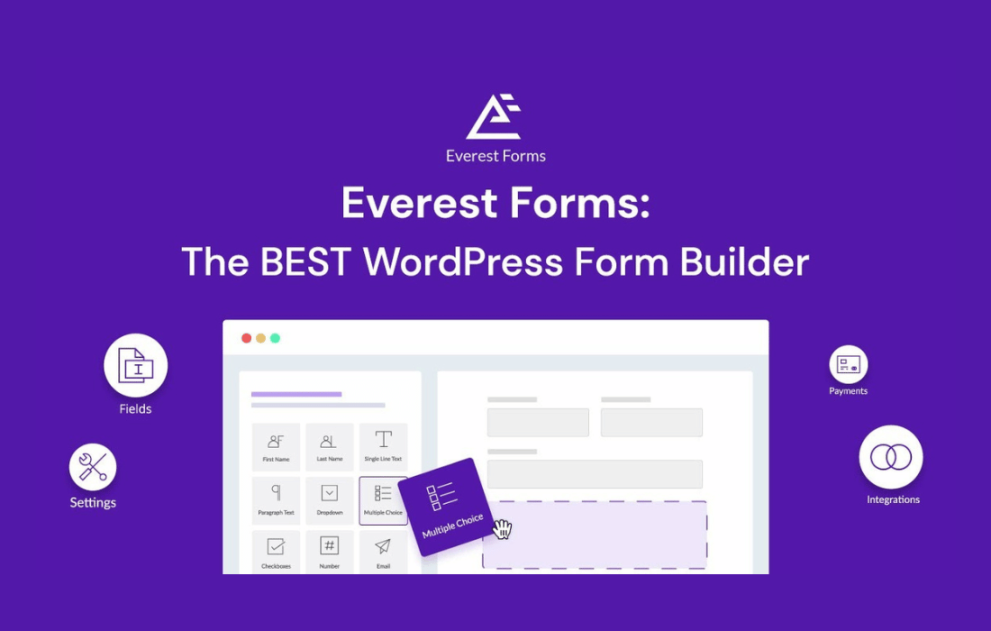

Everest Forms Salesforce integrates your WordPress forms directly with Salesforce, enabling automated lead capture, streamlined data syncing, and error-free CRM management. This powerful extension helps businesses simplify workflows by sending form entries, customer details, and marketing data straight into Salesforce objects. Ideal for sales teams seeking efficiency, it ensures faster follow-ups, enhanced data accuracy, and a fully connected form-to-CRM ecosystem without manual exporting or complex coding.
This is EXACTLY the same product as distributed by the developer. Sales Page
Everest Forms Salesforce Introduction
Everest Forms Salesforce is a powerful integration designed to help businesses seamlessly connect their WordPress website forms with Salesforce, one of the world’s leading CRM platforms. This add-on eliminates the need for manual data entry and ensures real-time lead synchronization, giving sales and marketing teams the accuracy and speed they need to convert prospects. Whether you are building complex lead funnels, customer onboarding workflows, or inquiry capture systems, this integration allows you to automate your entire data flow with ease.
Built on the lightweight yet flexible Everest Forms framework, the Salesforce extension offers a code-free setup that suits beginners and advanced users alike. Every form submission can be directly mapped to specific Salesforce objects, fields, and custom structures, ensuring that your data is stored exactly where your team needs it. As your business grows, you can rely on the plugin’s stability, scalability, and efficient performance to maintain a smooth CRM workflow.
Key Features
- Direct Salesforce Integration: Connect Everest Forms with your Salesforce CRM and sync form entries instantly without exporting or manual updates.
- Field Mapping Engine: Assign form fields to Salesforce fields, including standard objects, custom objects, and custom fields.
- Lead & Contact Automation: Automatically create or update Leads, Contacts, Accounts, and more whenever users submit a form.
- Error Logging & Debugging: Identify failed syncs, API issues, and misconfigurations using built-in logs.
- Conditional Logic Support: Send specific entries to Salesforce based on user responses or form behavior.
- Unlimited Integrations: Connect multiple forms to different Salesforce objects for distinct workflows.
- No Coding Required: User-friendly configuration lets anyone set up CRM syncing within minutes.
Getting Started
To begin, install and activate the Everest Forms plugin along with the Salesforce add-on. After activation, you will be prompted to authenticate your Salesforce account using OAuth credentials. Once connected, you can select a form, choose Salesforce as the integration method, and begin mapping your form fields to Salesforce fields. The mapping interface is designed to be intuitive, allowing you to configure objects, define field paths, and apply conditional rules with minimal effort.
Before testing, it is recommended to check your API limits, ensure your Salesforce account has the necessary permissions, and enable logs within the add-on settings. Submit a test form and verify that the data appears in Salesforce. Once confirmed, you can deploy your forms across landing pages, lead-gen pages, or customer support areas and monitor entries in real time.
Summary
Everest Forms Salesforce is an essential tool for any WordPress site that relies on Salesforce for CRM, lead management, or customer lifecycle operations. The integration enhances automation, reduces manual workload, and ensures accurate customer data every step of the way. With fast syncing, flexible mapping, and powerful logic features, it enables businesses to build a modern, efficient, and fully automated form-to-CRM pipeline with minimal effort.
- Categories: WordPress Plugins
- Tags: Everest Forms