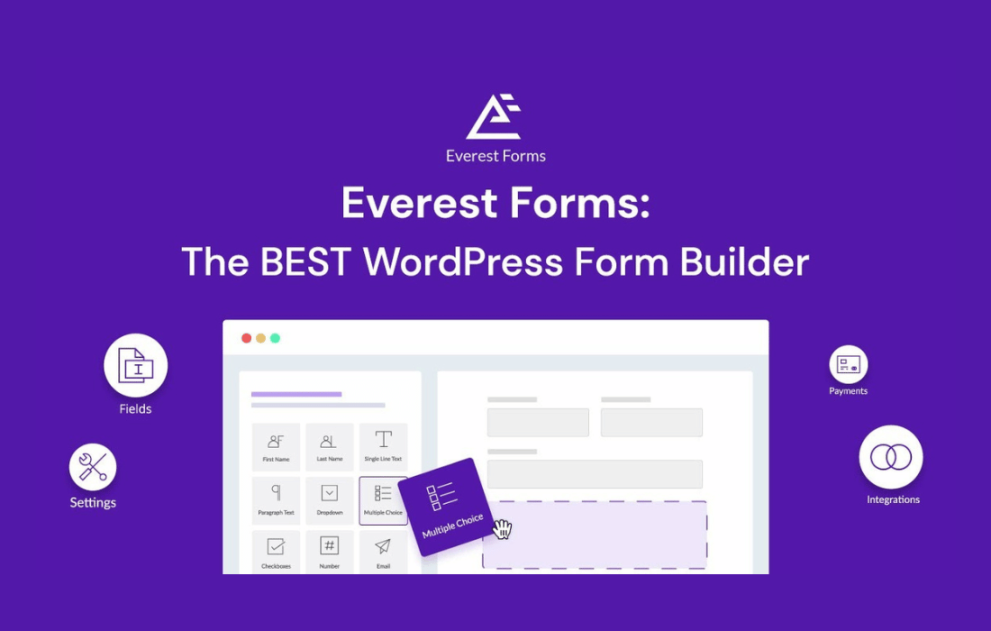

Everest Forms Razorpay enables secure and seamless online payments directly through your WordPress forms using India’s leading payment gateway. This add-on supports multiple payment methods, instant confirmations, automatic entry tracking, and flexible pricing workflows. Perfect for donations, registrations, subscriptions, or product payments, it simplifies your checkout experience while ensuring fast, reliable, and PCI-compliant transactions for businesses of any size.
This is EXACTLY the same product as distributed by the developer. Sales Page
Everest Forms Razorpay Introduction
Everest Forms Razorpay brings powerful payment processing features to your WordPress website by integrating the reliable Razorpay gateway with Everest Forms. Designed for Indian businesses and global companies targeting customers in India, this add-on enables fast, secure, and user-friendly payments with minimal setup. It supports multiple payment options including credit cards, debit cards, UPI, net banking, and popular wallets.
This extension transforms your forms into payment-enabled workflows. From event registrations to digital downloads, memberships, donations, and service bookings, the Razorpay integration allows you to collect payments effortlessly using Everest Forms’ drag-and-drop builder. With automatic transaction logging, entry syncing, and responsive form layouts, the plugin offers a complete solution for building checkout-ready form experiences.
Key Features
- UPI, Cards & Wallets Support: Accept payments through UPI apps, credit/debit cards, and supported wallets.
- Secure Checkout: Razorpay’s PCI DSS compliant system ensures all transactions remain fully encrypted.
- Dynamic Pricing Options: Use fixed pricing, custom user-defined input pricing, or conditional logic for flexible amounts.
- Payment Status Tracking: Automatically record transaction IDs, payment status, and customer details.
- Automatic Notifications: Send users custom confirmation emails based on successful payments.
- Recurring Payment Support: Use Razorpay subscriptions for ongoing or periodic billing.
- Seamless Form Integration: Works natively with Everest Forms’ builder, styling, and layout flexibility.
Getting Started
To begin, install Everest Forms and the Razorpay add-on. Generate your API Key ID and Secret Key from your Razorpay dashboard and copy them into the Everest Forms integration settings. Next, open any form and add the payment field. Configure your pricing options, enable Razorpay for that specific form, and specify confirmation messages for successful and failed payments.
Make sure to test your setup using Razorpay’s Test Mode. Once confirmed, switch to Live Mode and publish your form on any page or widget. You can monitor payment submissions through both Everest Forms entries and Razorpay’s transaction logs.
Summary
Everest Forms Razorpay is a powerful payment solution for WordPress users who want a flexible and secure way to collect online payments directly inside their forms. With broad payment method support, dynamic field options, and automated entry management, it is ideal for businesses running eCommerce, fundraising campaigns, service bookings, or event registrations. The plugin is fast, highly reliable, and designed to provide a smooth checkout experience for end users.
- Categories: WordPress Plugins
- Tags: Everest Forms