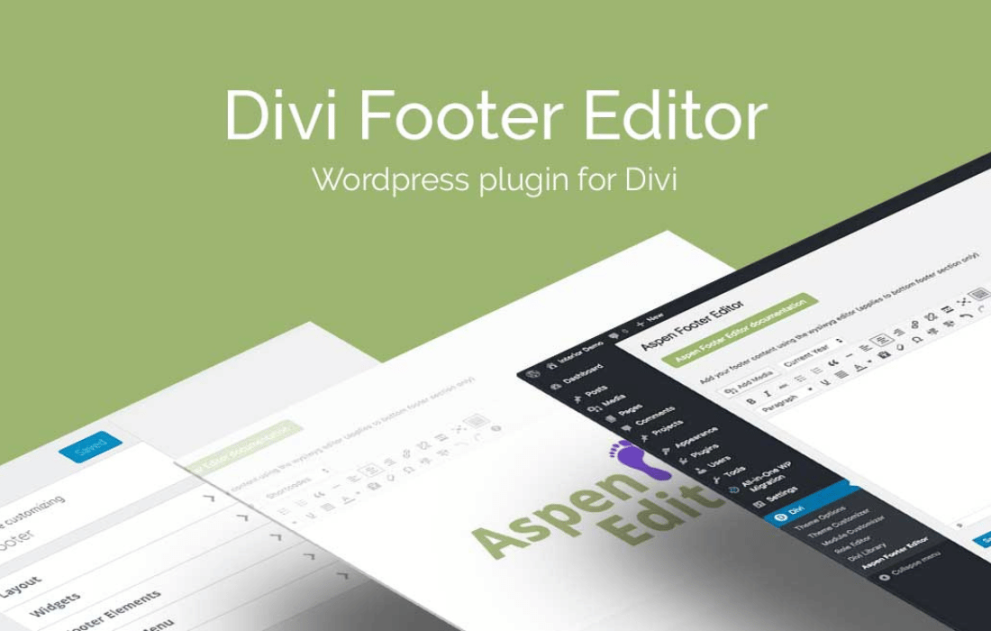

The Divi Footer Editor (also known as the Aspen Footer Editor) by WP Zone is a lightweight utility designed to replace the default “Designed by Elegant Themes | Powered by WordPress” footer area with a custom WYSIWYG editor.
This is EXACTLY the same product as distributed by the developer. Sales Page
To ensure the plugin functions correctly, your server and WordPress environment should meet these standards:
Platform: Self-hosted WordPress installation (WordPress.org).
Theme Compatibility: Requires Divi Theme or Extra Theme by Elegant Themes.
PHP Version: 7.0 or greater.
Database: MySQL version 5.6+ OR MariaDB version 10.0+.
Web Server: Apache or Nginx (with mod_rewrite enabled).
Security: HTTPS support is recommended.
WP Zone recommends the following minimum PHP configurations for optimal performance:
Memory Limit: 128M
Max Execution Time: 180 seconds
Max Input Vars: 5000
Post Max Size / Upload Max Filesize: 64M
WYSIWYG Interface: Uses the standard WordPress “Classic” editor (TinyMCE) interface, making it code-free for most users.
Dynamic Shortcodes: Supports native shortcodes for dynamic content. Common includes:
[time type="year"] – Automatically updates the copyright year.
[time type="date"] – Displays the current date.
Media Support: Allows embedding of images (logos), videos, and hyperlinks directly into the bottom footer bar.
CSS Customization: While it is a “no-code” tool, it assigns specific IDs (like #footer-info) that allow for easy CSS overrides in the Divi Theme Options.
Lightweight Footprint: The plugin is designed to be “ultra-lightweight,” meaning it has a negligible impact on page load speeds and database bloat.