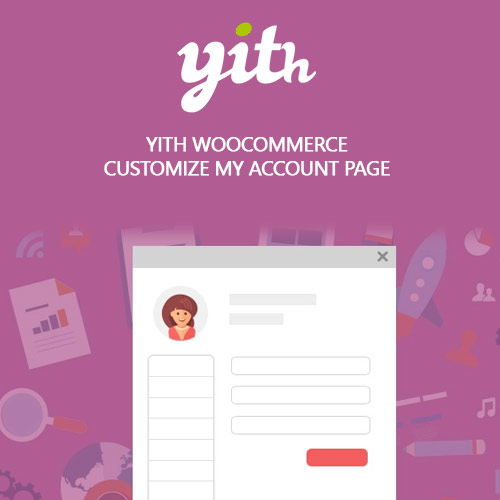

YITH WooCommerce Customize My Account Page Premium lets you redesign and personalize the customer My Account dashboard. Add custom tabs, reorder menu items, create new endpoints, and display content based on user roles. Ideal for membership and subscription sites, it transforms the default WooCommerce account area into a branded customer portal that improves navigation, usability, and engagement.
This is EXACTLY the same product as distributed by the developer. Sales Page Documentation
YITH WooCommerce Customize My Account Page Premium Introduction
YITH WooCommerce Customize My Account Page Premium allows store owners to completely redesign the WooCommerce My Account area, transforming it from a basic customer dashboard into a professional, branded user portal. Instead of limiting customers to standard WooCommerce endpoints, this plugin enables you to add custom tabs, reorganize existing sections, embed unique content, and show or hide items based on user roles. It is especially valuable for membership sites, subscription-based platforms, digital product stores, and businesses that need a personalized customer environment.
With its user-friendly interface and extensive customization options, the plugin makes it easy to integrate help sections, FAQs, tutorials, downloadable resources, contact forms, and more—directly into the customer’s account area. This improves the user experience and helps centralize all important resources in one convenient location. The plugin also integrates seamlessly with other YITH tools, allowing you to display wishlists, subscriptions, quote histories, booking information, and more.
Key Features
- Add Unlimited Custom Tabs: Create new account sections for FAQs, support, downloads, or personalized content.
- Drag-and-Drop Reordering: Arrange menu items to create a logical and intuitive navigation structure.
- User Role Visibility Rules: Show or hide tabs depending on customer type, membership level, or user role.
- Custom Endpoints: Add functional content pages to the My Account dashboard.
- Shortcode and HTML Support: Embed forms, videos, tables, or custom HTML blocks.
- Seamless Integration with YITH Plugins: Add sections for wishlists, quotes, bookings, subscriptions, and more.
- Personalized Styling: Customize icons, labels, colors, spacing, and overall layout for brand consistency.
- Dedicated Content Editor: Add text, images, buttons, or instructions using a built-in editor.
Getting Started
After activating the plugin, go to the My Account customization panel where you can begin adding new tabs and endpoints. Assign icons, titles, and content to each tab and choose where they appear in the customer menu. Configure user role visibility rules to tailor the dashboard to different customer segments, such as wholesalers, VIP members, or subscribers.
Next, integrate custom content using shortcodes, HTML, or block editor components. If your site uses other YITH plugins, you can connect those features to the My Account page for a unified customer experience. Always preview your changes before publishing to ensure your layout is user-friendly, responsive, and easy to navigate.
Summary
YITH WooCommerce Customize My Account Page Premium elevates the default WooCommerce customer area into a fully branded, flexible, and user-friendly dashboard. With support for custom tabs, dynamic content, user role conditions, and seamless plugin integration, it enhances the customer experience and provides centralized access to key resources. It is an essential plugin for any WooCommerce store looking to deliver a polished, professional user portal.
- Categories: WordPress Plugins
- Tags: YITH