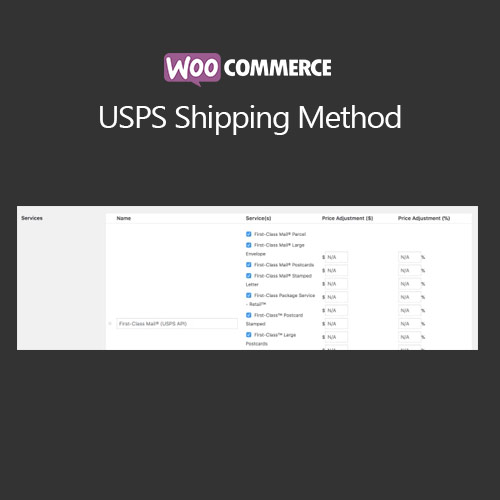

WooCommerce USPS Shipping Method connects your WooCommerce store to USPS, providing real-time shipping rates and tracking. Customers can view accurate shipping costs at checkout, while store owners can print USPS labels, manage shipping options, and track orders easily. The plugin supports domestic and international shipping, offering multiple USPS services to improve delivery efficiency and customer satisfaction.
This is EXACTLY the same product as distributed by the developer. Sales Page
WooCommerce USPS Shipping Method – Introduction
WooCommerce USPS Shipping Method integrates USPS shipping services into WooCommerce, allowing merchants to display live shipping rates at checkout. It simplifies shipping management by automating rate calculations, supporting various USPS services, and enabling label printing. The plugin provides tracking integration so customers can monitor their orders, enhancing the post-purchase experience.
It supports domestic and international shipping, multiple package types, and flexible handling fees. Store owners can configure which USPS services to display, add custom shipping costs, and manage shipping zones efficiently. The plugin ensures accurate delivery pricing and enhances operational efficiency for WooCommerce merchants.
Key Features
- Real-Time USPS Rates: Display accurate shipping rates during checkout based on destination and package weight.
- Domestic & International Shipping: Support for USPS services worldwide.
- Label Printing: Generate and print USPS shipping labels directly from WooCommerce orders.
- Order Tracking: Provide customers with tracking numbers and status updates.
- Custom Handling Fees: Add handling or additional shipping charges per order.
- Flexible Service Selection: Choose which USPS shipping options to offer to customers.
- Package Dimension Support: Include weight and dimensions for accurate rate calculation.
- Improved Customer Experience: Accurate rates and tracking enhance satisfaction and reduce shipping inquiries.
Getting Started
- Install and activate WooCommerce USPS Shipping Method.
- Navigate to WooCommerce → Settings → Shipping → USPS.
- Enter USPS API credentials (User ID, etc.) and configure shipping options.
- Select services to display at checkout and configure handling fees.
- Test live rates and label printing with sample orders.
- Enable tracking notifications to customers for shipped orders.
Summary
WooCommerce USPS Shipping Method automates shipping management by providing real-time rates, label printing, and order tracking. With domestic and international service support, merchants can offer accurate shipping costs and reliable delivery options. This plugin enhances operational efficiency and improves customer experience, making it essential for WooCommerce stores shipping via USPS.
- Categories: WooCommerce
- Tags: WooCommerce