
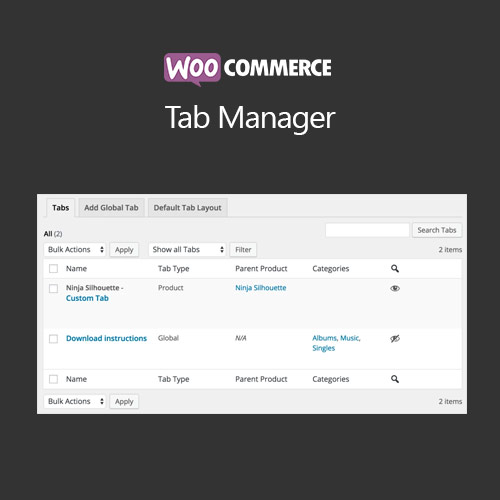

WooCommerce Tab Manager allows store owners to create, edit, and organize product tabs on product pages. Add custom content, reorder tabs, and enhance product presentation to provide a better shopping experience and improve information visibility.
This is EXACTLY the same product as distributed by the developer. Sales Page
WooCommerce Tab Manager – Introduction
WooCommerce Tab Manager is a flexible tool that lets store owners manage product page tabs. Add custom content, reorder tabs, or remove default ones to improve product presentation, provide clear information, and enhance the overall shopping experience for customers.
Key Features
- Create custom product tabs with text, images, or shortcodes
- Edit, reorder, or remove default WooCommerce tabs
- Assign tabs globally or per product/category
- Supports variable products and custom content blocks
- Drag-and-drop tab ordering for easy management
- Mobile-friendly and responsive design
- Integration with WooCommerce email templates and product pages
- Enhances product presentation and user experience
- Customizable tab styling and content layout
- Boosts customer engagement and information accessibility
Getting Started
- Install and activate WooCommerce Tab Manager plugin.
- Create new custom tabs in plugin settings.
- Add content using text, images, or shortcodes.
- Assign tabs to products or categories globally or individually.
- Reorder or remove tabs using drag-and-drop interface.
- Test product pages to ensure tabs display correctly on all devices.
Summary
WooCommerce Tab Manager enhances product pages by allowing custom tabs and improved content organization. It increases information accessibility, improves customer experience, and allows store owners to highlight key product details effectively.
- Categories: WooCommerce
- Tags: WooCommerce
