
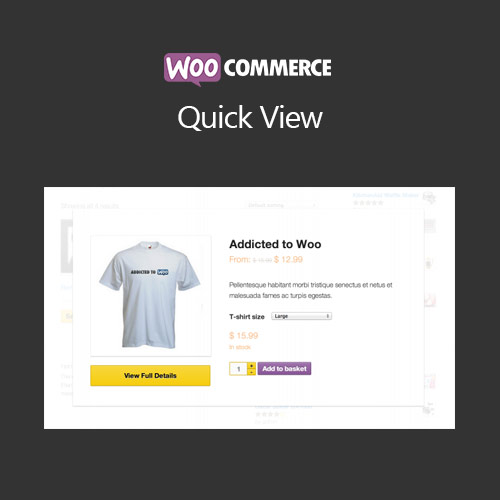

WooCommerce Quick View allows customers to preview product details in a popup without leaving the shop or category page. Improve user experience, reduce page navigation, and boost conversion rates with an interactive and mobile-friendly quick view feature.
This is EXACTLY the same product as distributed by the developer. Sales Page
WooCommerce Quick View – Introduction
WooCommerce Quick View enables customers to view product details, images, and pricing in a popup window directly from shop or category pages. This feature improves the shopping experience by reducing page navigation, making it easier for customers to explore multiple products quickly and efficiently.
Key Features
- Display product details in a popup quick view
- Supports variable products, images, pricing, and short descriptions
- Mobile-friendly and responsive design
- Customizable quick view button placement and style
- Integration with WooCommerce product galleries
- Option to add products to cart directly from the popup
- Enhances browsing efficiency and reduces page reloads
- Supports popular WooCommerce themes and page builders
- Improves conversion rates by simplifying product selection
- Customizable popup styling and animation options
Getting Started
- Install and activate WooCommerce Quick View plugin.
- Configure quick view button placement and style in plugin settings.
- Test product popups on shop, category, and product pages.
- Enable add-to-cart functionality from the quick view popup.
- Monitor performance and adjust settings for optimal user experience.
Summary
WooCommerce Quick View enhances user experience by allowing customers to preview products in a popup window. It streamlines shopping, improves engagement, and increases conversion rates without requiring customers to navigate away from the shop pages.
- Categories: WooCommerce
- Tags: WooCommerce
