
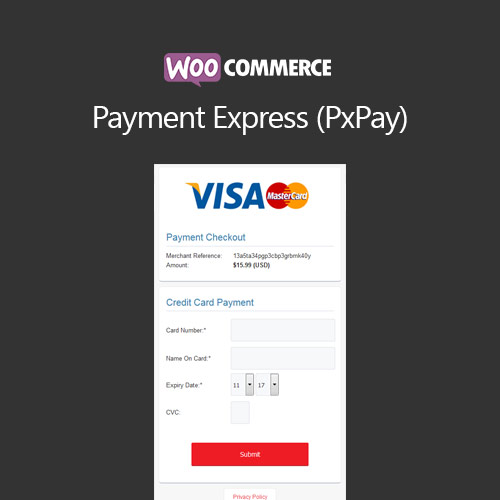

WooCommerce Payment Express (PxPay) allows secure payments through Payment Express gateway. It supports multiple currencies, card types, and automated transaction processing, providing a seamless and reliable payment experience for both customers and store owners.
This is EXACTLY the same product as distributed by the developer. Sales Page
WooCommerce Payment Express (PxPay) – Introduction
WooCommerce Payment Express (PxPay) integrates your store with the Payment Express gateway, enabling secure and reliable online payments. It supports multiple payment types, currencies, and automated processing, providing a smooth checkout experience while ensuring compliance with security standards.
Key Features
- Integration with Payment Express (PxPay) gateway
- Supports multiple payment types and credit/debit cards
- Secure payment processing with PCI compliance
- Automated transaction handling and confirmation
- Supports refunds and partial payments directly from WooCommerce
- Multi-currency support for global stores
- Mobile-friendly and responsive payment forms
- Detailed transaction logs for auditing and reporting
- Seamless checkout experience for customers
- Compatibility with WooCommerce extensions like Subscriptions
Getting Started
- Install and activate WooCommerce Payment Express (PxPay) plugin.
- Configure PxPay API credentials and payment settings.
- Enable the payment gateway on checkout pages.
- Test payments in sandbox or live mode.
- Monitor transactions and refunds in WooCommerce order dashboard.
Summary
WooCommerce Payment Express (PxPay) provides secure and reliable online payment processing. With support for multiple payment types and currencies, it ensures a seamless checkout experience while giving store owners control and transaction transparency.
- Categories: WooCommerce
- Tags: WooCommerce
