
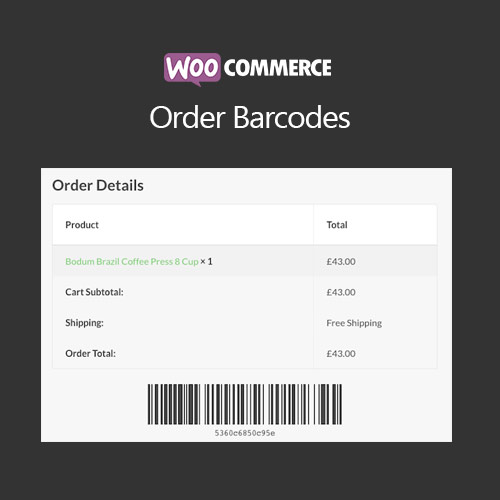

WooCommerce Order Barcodes generates unique barcodes for each order, enabling efficient order tracking, scanning, and fulfillment. Ideal for retail, events, or warehouses, it improves operational efficiency and reduces errors in order management.
This is EXACTLY the same product as distributed by the developer. Sales Page
WooCommerce Order Barcodes – Introduction
WooCommerce Order Barcodes adds unique barcodes to every order in your store, making order processing, fulfillment, and tracking faster and more accurate. Barcodes can be scanned during packaging, delivery, or at retail locations, improving operational workflow and minimizing errors.
Key Features
- Generate unique barcodes for every WooCommerce order
- Supports various barcode formats (EAN, QR, Code128, etc.)
- Print barcodes on invoices, packing slips, or shipping labels
- Scan barcodes to update order status or track inventory
- Integration with WooCommerce reporting and order management
- Mobile-friendly scanning and tracking interface
- Supports batch barcode generation for multiple orders
- Customizable barcode design and placement
- Reduces errors in warehouse and shipping processes
- Enhances operational efficiency for stores with high order volume
Getting Started
- Install and activate WooCommerce Order Barcodes plugin.
- Configure barcode format, design, and placement.
- Test barcode generation and scanning with sample orders.
- Print barcodes on invoices, packing slips, or labels as needed.
- Use barcode scanning for order fulfillment and tracking.
- Monitor efficiency and adjust settings for optimal workflow.
Summary
WooCommerce Order Barcodes streamlines order processing and inventory management with unique barcodes. It reduces human error, improves operational efficiency, and ensures accurate tracking and fulfillment of WooCommerce orders.
- Categories: WooCommerce
- Tags: WooCommerce
