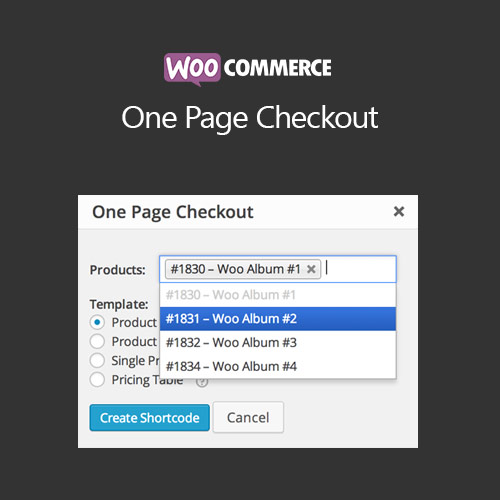

WooCommerce One Page Checkout allows customers to select products and complete checkout on a single page. This streamlined process reduces cart abandonment, improves conversion rates, and enhances the overall shopping experience for WooCommerce stores.
This is EXACTLY the same product as distributed by the developer. Sales Page
WooCommerce One Page Checkout – Introduction
WooCommerce One Page Checkout enables a faster, simpler checkout experience by consolidating product selection and checkout on a single page. Customers can choose products, enter details, and complete payment without navigating multiple pages, boosting conversions and satisfaction.
Key Features
- Combine product selection and checkout on one page
- Supports variable products, subscriptions, and grouped items
- Mobile-friendly and responsive checkout interface
- Customizable page layout with shortcodes or blocks
- Supports coupon codes, shipping options, and payment gateways
- Reduces cart abandonment by simplifying checkout process
- Compatible with WooCommerce extensions like Bookings and Memberships
- Option to add upsell products or recommendations on the same page
- Track one-page checkout performance through WooCommerce analytics
- Enhances user experience and conversion optimization
Getting Started
- Install and activate WooCommerce One Page Checkout plugin.
- Create a new one-page checkout page or edit an existing one.
- Add product selection and checkout sections using shortcodes or blocks.
- Customize layout, styles, and optional upsells.
- Test the checkout flow for desktop and mobile devices.
- Monitor conversion rates and adjust page layout for optimization.
Summary
WooCommerce One Page Checkout improves the purchase experience by consolidating selection and checkout onto a single page. It reduces friction, lowers cart abandonment, and increases conversions while providing a seamless shopping experience for customers.
- Categories: WooCommerce
- Tags: WooCommerce