
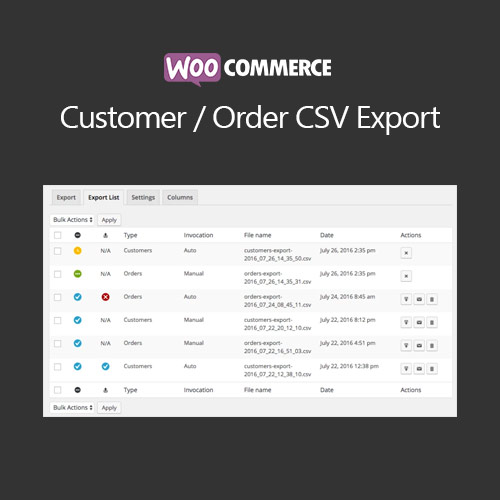

WooCommerce Customer Order CSV Export allows store owners to export order and customer data into CSV format. Customize export fields, automate scheduled exports, and generate reports to streamline accounting, inventory, and marketing tasks, saving time and improving data management.
This is EXACTLY the same product as distributed by the developer. Sales Page
WooCommerce Customer Order CSV Export – Introduction
WooCommerce Customer Order CSV Export is a powerful plugin designed to help store owners extract customer and order data into CSV files. It enables efficient reporting, bookkeeping, and data management, ensuring that critical information is easily accessible for analysis or integration with external systems.
Key Features
- Export orders, customers, and product data to CSV
- Customizable export fields to match specific needs
- Supports manual and automated scheduled exports
- Filter exports by date, order status, customer, or product
- Integration with accounting and CRM systems
- Mobile-friendly interface for quick export tasks
- Track and manage multiple export profiles
- Supports WooCommerce Subscriptions, Memberships, and Bookings
- Enhances reporting efficiency and accuracy
- Reduces manual data handling and administrative workload
Getting Started
- Install and activate WooCommerce Customer Order CSV Export plugin.
- Create an export profile and select the data fields to include.
- Set filters for order status, date range, or product categories.
- Schedule automated exports if desired.
- Download exported CSV files and integrate with accounting or CRM systems.
- Monitor and manage exports for accuracy and efficiency.
Summary
WooCommerce Customer Order CSV Export streamlines the process of exporting orders and customer data. It saves time, reduces errors, and improves reporting, making it an essential tool for store owners who need to manage data effectively and maintain accurate records.
- Categories: WooCommerce
- Tags: WooCommerce
