
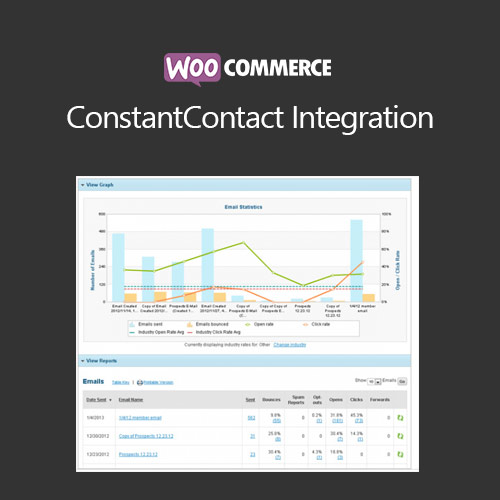

WooCommerce ConstantContact Integration allows store owners to sync WooCommerce customers and their purchase data with ConstantContact email marketing platform. This plugin automates subscriber management, segment creation, and marketing campaigns. It helps businesses improve email targeting, increase engagement, track campaign performance, and streamline marketing workflows, ensuring that customer communications are personalized and optimized for conversions.
This is EXACTLY the same product as distributed by the developer. Sales Page
WooCommerce ConstantContact Integration – Introduction
WooCommerce ConstantContact Integration connects your WooCommerce store with the ConstantContact email marketing platform. It enables automatic synchronization of customer data, subscription preferences, and purchase behavior. Merchants can segment audiences based on purchase history, cart value, and engagement, creating targeted campaigns that improve customer retention and drive sales.
The plugin also tracks campaign performance, supports automated workflows, and ensures that marketing messages reach the right audience at the right time, maximizing the effectiveness of email marketing efforts.
Key Features
- Customer Sync: Automatically sync WooCommerce customers and subscribers with ConstantContact lists.
- Segmentation: Create segments based on purchase history, product categories, or customer behavior.
- Automated Campaigns: Set up automated emails for new subscribers, repeat purchases, or abandoned carts.
- Purchase Data Tracking: Use order information to tailor email marketing strategies.
- Opt-In Management: Ensure compliance with GDPR and other privacy regulations.
- Marketing Insights: Track campaign performance and analyze engagement metrics.
- Seamless WooCommerce Integration: Works with all WooCommerce orders, products, and extensions.
- Boost Conversions: Increase sales and retention with personalized email campaigns.
Getting Started
- Install and activate WooCommerce ConstantContact Integration plugin.
- Navigate to WooCommerce → Settings → ConstantContact.
- Connect your ConstantContact account via API key.
- Select the WooCommerce lists to sync with ConstantContact.
- Enable automated subscriber sync and campaign triggers.
- Create segments and test automated email campaigns.
- Monitor campaign analytics and optimize strategies regularly.
Summary
WooCommerce ConstantContact Integration automates customer data syncing, segmentation, and email campaigns. By leveraging purchase history and engagement metrics, it enhances targeted marketing, improves customer retention, and drives sales through personalized email workflows.
- Categories: WooCommerce
- Tags: WooCommerce
