
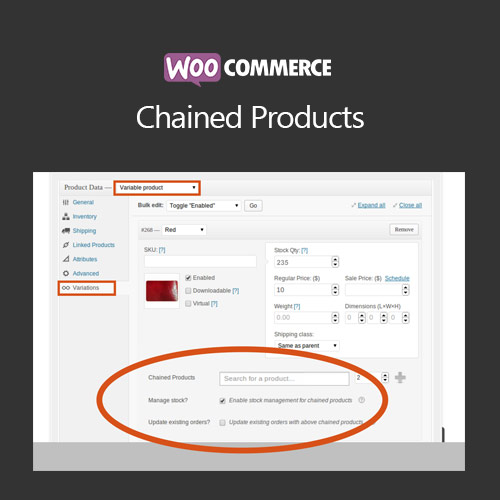

WooCommerce Chained Products allows store owners to link multiple products together. When a main product is purchased, associated products are added automatically, ideal for bundles, kits, or complementary product offers.
This is EXACTLY the same product as distributed by the developer. Sales Page
WooCommerce Chained Products – Introduction
WooCommerce Chained Products enables the creation of product chains, where purchasing one product automatically includes associated items. This feature is ideal for bundles, kits, or upsells, enhancing sales opportunities and simplifying the customer shopping experience.
Key Features
- Link multiple products to a main product
- Automatically add associated products to cart
- Supports variable and simple products
- Customizable pricing for chained products
- Mobile-friendly and responsive cart updates
- Integration with WooCommerce promotions and discounts
- Supports multiple chained product configurations
- Option to make associated products optional or mandatory
- Improves average order value and cross-selling
- Easy management via WooCommerce product editor
Getting Started
- Install and activate WooCommerce Chained Products plugin.
- Edit a main product and select associated products in the chained products section.
- Configure pricing and optional/mandatory settings.
- Test adding the main product to the cart to ensure chained products appear correctly.
- Adjust chained product settings to optimize sales and customer experience.
Summary
WooCommerce Chained Products enhances product offerings by linking multiple items together. It streamlines cross-selling, boosts order value, and provides a seamless shopping experience for customers purchasing product bundles or kits.
- Categories: WooCommerce
- Tags: WooCommerce
