
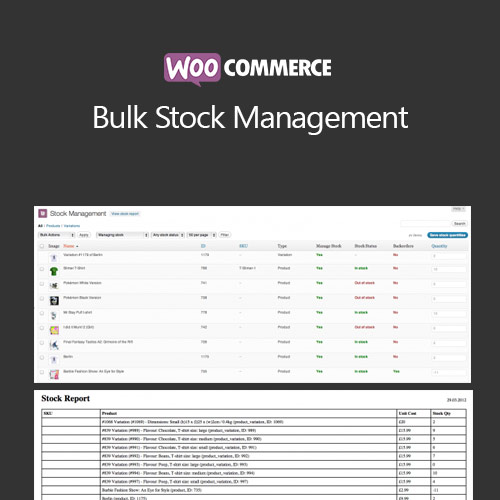

WooCommerce Bulk Stock Management allows store owners to manage inventory efficiently by updating stock levels for multiple products at once. Save time, reduce errors, and maintain accurate inventory records across your WooCommerce store.
This is EXACTLY the same product as distributed by the developer. Sales Page
WooCommerce Bulk Stock Management – Introduction
WooCommerce Bulk Stock Management simplifies inventory control by allowing bulk updates to stock quantities. Store owners can efficiently manage large product catalogs, maintain accurate inventory levels, and reduce manual errors associated with individual product updates.
Key Features
- Update stock levels for multiple products simultaneously
- Supports simple and variable products
- Bulk update via CSV import or admin interface
- Set stock status, quantities, and backorders
- Mobile-friendly stock management interface
- Integration with WooCommerce reports and inventory tracking
- Option to schedule bulk updates automatically
- Reduce manual errors and save time
- Supports multiple warehouses or locations
- Compatible with WooCommerce product variations
Getting Started
- Install and activate WooCommerce Bulk Stock Management plugin.
- Choose products for bulk updates via admin interface or CSV.
- Set stock quantities, status, and backorder options.
- Apply updates and verify stock levels in the dashboard.
- Schedule automatic updates if needed.
Summary
WooCommerce Bulk Stock Management improves inventory efficiency by enabling mass stock updates. It reduces errors, saves time, and ensures accurate product availability across your WooCommerce store.
- Categories: WooCommerce
- Tags: WooCommerce
