
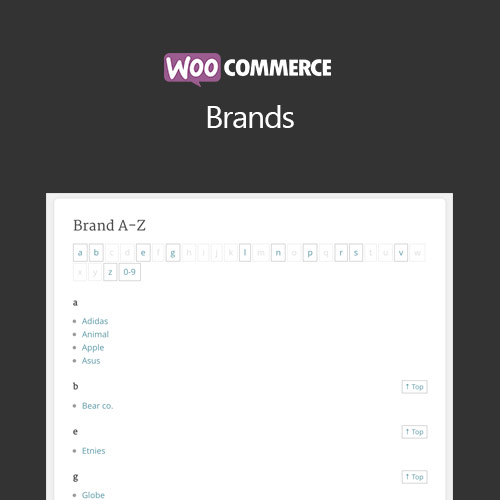

WooCommerce Brands adds brand management functionality to your store. Organize products by brand, improve customer navigation, and enhance brand visibility for better shopping experiences and SEO benefits.
This is EXACTLY the same product as distributed by the developer. Sales Page
WooCommerce Brands – Introduction
WooCommerce Brands lets store owners assign products to specific brands, display brand information, and create dedicated brand pages. This improves product organization, user navigation, and brand visibility, while also boosting SEO and marketing potential.
Key Features
- Add brands to products with logos and descriptions
- Create dedicated brand archive pages
- Filter and search products by brand
- Supports variable and simple products
- Integration with WooCommerce product pages and widgets
- Mobile-friendly brand displays
- Enhances SEO with brand-specific pages
- Option to display brands in shop or category pages
- Supports custom brand URLs
- Improves user shopping experience and navigation
Getting Started
- Install and activate WooCommerce Brands plugin.
- Create brands and assign logos, descriptions, and URLs.
- Assign brands to products during product creation or editing.
- Use widgets or shortcodes to display brands on shop pages.
- Test brand pages and filtering functionality on the frontend.
Summary
WooCommerce Brands enhances product organization, user experience, and SEO by allowing store owners to categorize products by brands. It improves navigation, boosts visibility, and supports better marketing strategies.
- Categories: WooCommerce
- Tags: WooCommerce
