
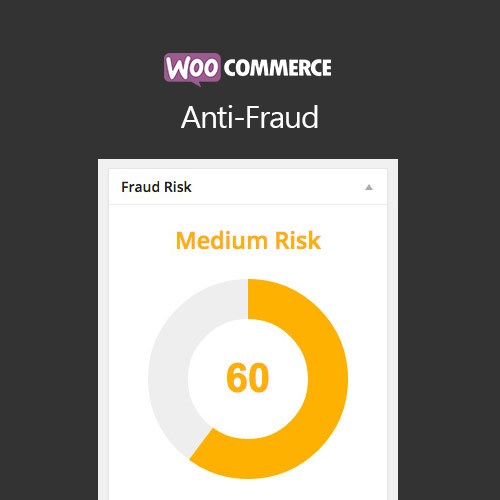

WooCommerce Anti Fraud helps store owners prevent fraudulent orders by automatically scoring transactions based on risk factors like country, email, IP, and order history. It flags or cancels suspicious orders, reducing chargebacks and financial losses. This plugin integrates seamlessly with WooCommerce, provides detailed order reports, and supports automated actions, giving store owners peace of mind while maintaining a smooth customer experience for legitimate buyers.
This is EXACTLY the same product as distributed by the developer. Sales Page
WooCommerce Anti Fraud – Introduction
WooCommerce Anti Fraud is a security-focused plugin designed to reduce the risk of fraudulent orders on your WooCommerce store. Fraudulent orders can lead to chargebacks, revenue loss, and increased operational costs. This plugin automatically evaluates each order using a scoring system based on multiple risk factors including IP address, billing/shipping mismatch, high-risk countries, and email domains.
By assigning a fraud score to every order, store owners can quickly identify suspicious transactions. Orders can be flagged, placed on hold, or automatically canceled based on configurable thresholds. Detailed reporting allows you to review potentially fraudulent transactions, while still providing a smooth shopping experience for legitimate customers.
Key Features
- Fraud Scoring System: Each order receives a risk score based on multiple factors like IP, country, email domain, and order amount.
- Automatic Fraud Actions: Orders can be flagged, held for review, or automatically canceled when the risk score exceeds defined thresholds.
- Detailed Fraud Reports: View and analyze all flagged or high-risk orders to improve fraud detection over time.
- High-Risk Country Detection: Identify orders originating from countries with a higher risk of fraudulent activity.
- Email & IP Analysis: Detect disposable or high-risk email domains and suspicious IP addresses.
- Customizable Thresholds: Adjust risk thresholds according to your store’s risk tolerance and operational needs.
- Seamless WooCommerce Integration: Works directly with standard WooCommerce checkout and order management.
- Low False Positives: Designed to minimize disruption for legitimate customers while maintaining high security.
Getting Started
- Install and activate WooCommerce Anti Fraud.
- Go to WooCommerce → Anti Fraud settings in the admin panel.
- Configure risk factors, thresholds, and actions (flag, hold, cancel).
- Test using sample orders to see how the scoring system works.
- Monitor flagged orders and adjust scoring rules as needed to optimize detection accuracy.
- Review reports regularly to stay ahead of new fraud patterns.
Summary
WooCommerce Anti Fraud provides a comprehensive solution to prevent fraudulent orders and reduce chargebacks. By using risk scoring, automated actions, detailed reporting, and configurable thresholds, it ensures your store remains secure while providing a smooth checkout experience for genuine customers. It’s an essential tool for protecting revenue, improving operational efficiency, and maintaining customer trust in your WooCommerce store.
- Categories: WooCommerce
- Tags: WooCommerce
