
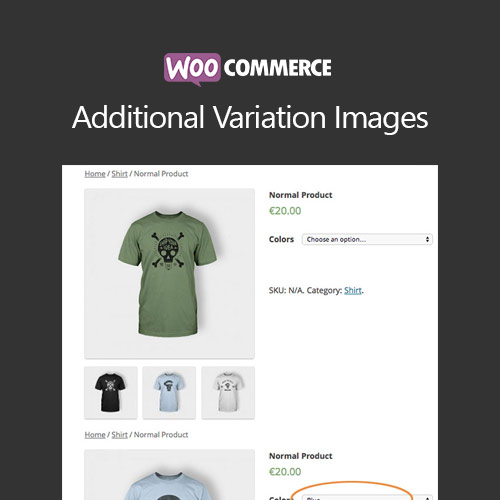

WooCommerce Additional Variation Images allows store owners to add multiple images for each product variation. Enhance product presentation, provide detailed visual options, and improve the customer shopping experience, especially for variable products with multiple styles, colors, or configurations.
This is EXACTLY the same product as distributed by the developer. Sales Page
WooCommerce Additional Variation Images – Introduction
WooCommerce Additional Variation Images plugin enables store owners to attach multiple images to each product variation. This feature enhances the product page experience by showing customers all available angles, colors, or styles of a variation, leading to higher engagement and improved conversion rates.
Key Features
- Add multiple images to each product variation
- Display variation images in product gallery sliders
- Supports variable products with multiple attributes
- Mobile-friendly and responsive gallery display
- Easy image management in the WooCommerce dashboard
- Compatible with WooCommerce themes and page builders
- Improves customer experience and confidence in purchase decisions
- Boosts sales by showcasing all variation options visually
- Supports high-resolution images and zoom functionality
- Enhances brand presentation and product storytelling
Getting Started
- Install and activate WooCommerce Additional Variation Images plugin.
- Edit a variable product and select the desired variation.
- Add additional images for that variation in the gallery section.
- Save product and test image display on the frontend.
- Adjust image order or gallery layout as needed for optimal presentation.
Summary
WooCommerce Additional Variation Images enhances product visualization by allowing multiple images for each variation. This increases customer engagement, boosts confidence in purchase decisions, and improves the overall shopping experience for variable products.
- Categories: WooCommerce
- Tags: WooCommerce
