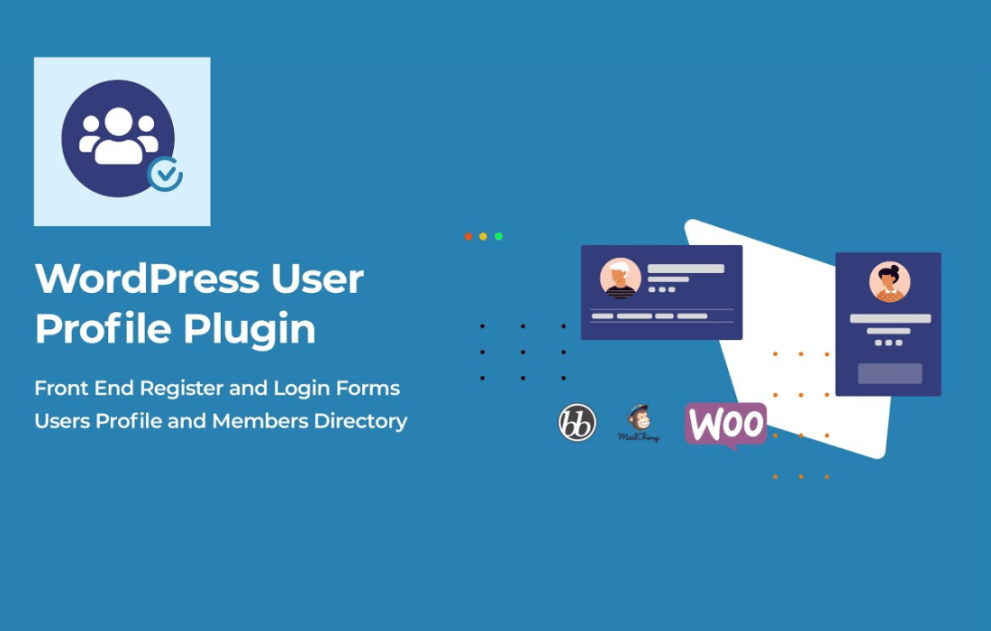

The UsersWP Verified Users plugin is a premium add-on for the lightweight core plugin. It allows administrators to verify specific accounts, adding a “blue checkmark” style credibility to user profiles and directories.
This is EXACTLY the same product as distributed by the developer. Sales Page
Core Functionalities
-
Verification Badge: Displays a customizable verified icon next to the user’s name on their profile page and in the members’ directory.
-
Self-Service Requests: Users can request verification directly from their profile via a “Request Verification” button.
-
Admin Management: Administrators can review, approve, or reject requests from the WordPress backend. Bulk verification is also supported.
-
Customization: Admins can change the badge icon (via Dashicons or similar) and the badge color to match the site’s branding.
-
Automated Notifications: * To Admin: Email alert when a user submits a new verification request.
-
To User: Email alert when their account has been successfully verified (or rejected).
-
Technical Specifications
| Category | Requirement / Spec |
| Core Plugin | Must have UsersWP (Core) installed and active. |
| WordPress Version | Minimum 4.7 (Recommended 5.3 or higher). |
| PHP Version | Minimum 5.6.2 (Recommended 7.4 or higher for performance). |
| MySQL Version | Minimum 5.0 (Recommended 5.6 or MariaDB 10.0+). |
| Memory Limit | Minimum 128MB (512MB recommended for larger directories). |
| Translation | 100% translatable (WPML compatible). |
Setup Workflow
-
Install: Upload and activate the add-on via
Plugins > Add New. -
Configure: Navigate to
UsersWP > Addons > Verified Users. -
Style: Set your preferred icon and color.
-
Moderate: Manage requests under
Users > All Users, where a new “Account Verification” column/filter is added.
- Categories: WordPress Plugins
- Tags: UsersWP