
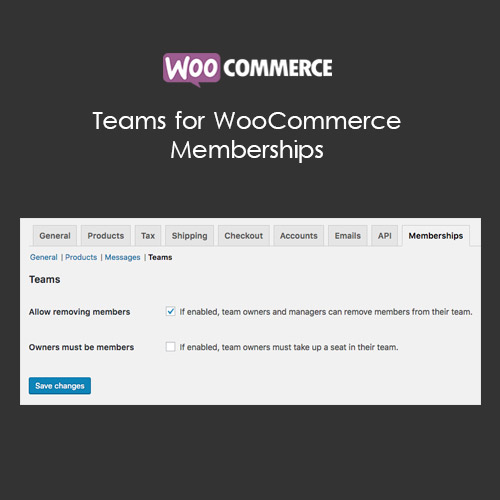

Teams for WooCommerce Memberships allows businesses to create and manage team accounts under a single membership. Assign roles, track team activity, and provide centralized billing for corporate or group memberships.
This is EXACTLY the same product as distributed by the developer. Sales Page
Teams for WooCommerce Memberships – Introduction
Teams for WooCommerce Memberships adds the ability to manage multiple users under a single membership plan. It is ideal for corporate accounts, educational groups, or family plans, allowing centralized management, role assignments, and activity tracking.
Key Features
- Create team memberships under a single subscription
- Assign roles and permissions to team members
- Centralized billing and renewal management
- Track individual member activity within the team
- Mobile-friendly team dashboard
- Integration with WooCommerce Memberships plugin
- Supports flexible team sizes and subscription plans
- Email notifications for team activity and updates
- Enhances corporate, educational, and group subscription models
- Improves user management and administrative control
Getting Started
- Install and activate Teams for WooCommerce Memberships plugin.
- Create team-based membership plans in the WooCommerce Memberships settings.
- Add members to teams and assign roles.
- Monitor team activity and manage billing from the dashboard.
- Test subscription and renewal workflows for team members.
Summary
Teams for WooCommerce Memberships provides centralized management for group memberships, improving administrative efficiency and enhancing the experience for corporate, educational, and family-based subscriptions.
- Categories: WooCommerce
- Tags: WooCommerce
