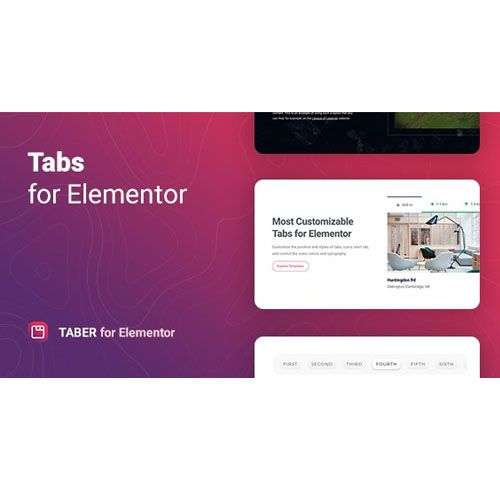

Taber is a premium WordPress plugin specifically designed for the Elementor Page Builder. Created by the developer Merkulove, it is a specialized widget that allows you to create highly customizable, responsive tabbed interfaces that go far beyond the standard “Tabs” widget included with Elementor.
This is EXACTLY the same product as distributed by the developer. Sales Page
Key Features
Unlike basic tab widgets, Taber offers deep flexibility in layout and content:
-
Diverse Layouts: You can position tabs at the Top, Bottom, Left, or Right. It also supports Custom positioning for unique, non-traditional designs.
-
Rich Content Support: You aren’t limited to plain text. You can insert:
-
Images and Icons (Font Awesome support included).
-
Audio and Video files.
-
Elementor Templates: This is a “power user” feature that lets you design a complex layout as a template and then display it inside a tab.
-
Shortcodes from other plugins.
-
-
Highly Responsive: The plugin allows you to adjust the behavior of tabs on mobile and tablet devices specifically, ensuring the content doesn’t “break” on smaller screens.
-
Deep Styling: You can customize nearly every pixel, including:
-
Background types (Classic or Gradient).
-
Hover and Active states for different colors.
-
Custom arrows and navigation icons.
-
Box shadows and border types.
-
Why Use Taber instead of Elementor’s default Tabs?
While Elementor has a built-in “Tabs” widget, Taber is preferred by designers who need:
-
Vertical Navigation: Creating side-tabbed documentation or product feature lists.
-
Visual Flair: Using icons or custom images as the “triggers” for the tabs.
-
WooCommerce Integration: It works well for displaying product specs, reviews, or shipping info in a clean, tabbed format on product pages.
- Categories: WordPress Plugins
- Tags: CodeCanyon