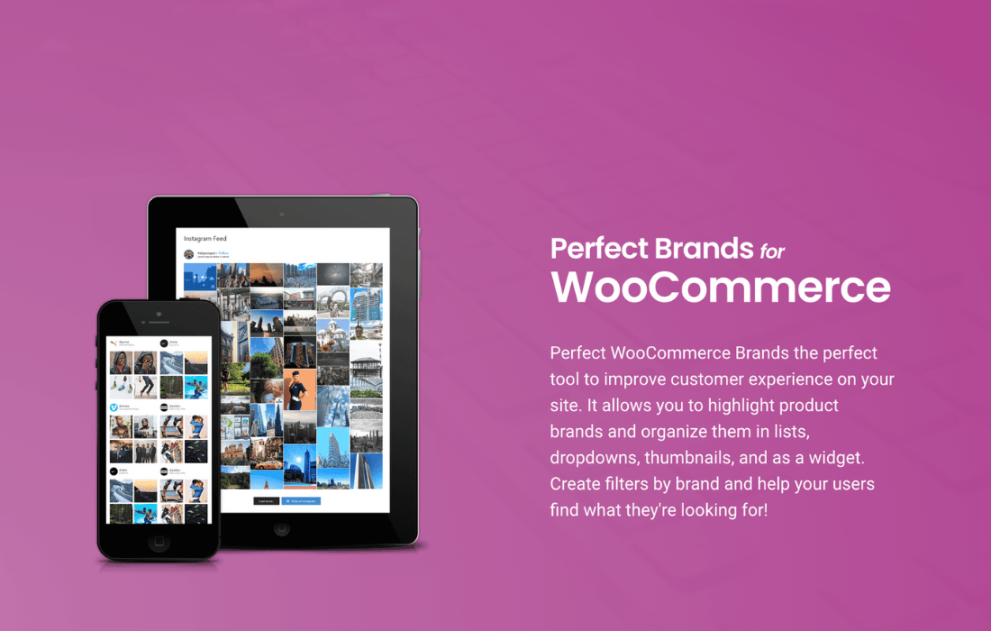

Perfect Brands WooCommerce PRO provides a complete branding solution for online stores, allowing merchants to assign brands to products, display logos, create brand archive pages, and add brand filtering options. With customizable layouts, SEO-friendly structures, and carousel displays, the plugin improves navigation and boosts customer trust. It’s ideal for stores with multiple manufacturers or collections looking to enhance brand visibility and shopping experience.
This is EXACTLY the same product as distributed by the developer. Sales Page
Note: This Product is Activated.
Use Email – [email protected] and Key – B5E0B5F8DD8689E6ACA49DD6E6E1A930
Perfect Brands WooCommerce PRO Introduction
Perfect Brands WooCommerce PRO is a comprehensive branding plugin designed to help WooCommerce stores manage, display, and promote product brands effectively. Customers often rely on brand recognition when shopping, especially in industries like fashion, electronics, cosmetics, sports, and accessories. This plugin makes it easy for store owners to assign brands to products, showcase brand logos, create dedicated brand pages, and integrate brand filters for improved navigation.
The plugin introduces a new brand taxonomy within WooCommerce that functions similarly to categories and tags. Merchants can upload brand logos, write descriptions, and customize brand archives to strengthen SEO. With various display options, including carousels, grids, and widgets, Perfect Brands WooCommerce PRO enhances the user experience and allows shoppers to browse products by their favorite brands effortlessly.
Key Features
- Brand Assignment: Assign one or multiple brands to each product directly from the product edit screen.
- Brand Archive Pages: Automatically generated brand pages display all products under each brand.
- Brand Logo Display: Show brand logos on product pages, category pages, or custom sections.
- Brand Carousels: Highlight featured or popular brands with interactive sliders.
- Brand Filters: Allow customers to filter products by brand using sidebar widgets.
- Custom SEO Settings: Customize titles, descriptions, and permalinks for brand archive pages.
- Import and Export Tools: Manage brand lists in bulk.
- Multiple Layout Options: Choose from grids, lists, banners, and carousels.
- Page Builder Compatibility: Works smoothly with Elementor, Gutenberg, WPBakery, and others.
- Flexible Styling Tools: Adjust border styles, colors, logo sizes, spacing, and typography.
Getting Started
Install and activate Perfect Brands WooCommerce PRO from your plugins menu. A new “Brands” menu will appear under WooCommerce settings. Here, you can add brands, upload logos, and customize brand descriptions. After setting up your brand list, edit individual products to assign their appropriate brand. Brand logos can be displayed automatically on product pages or using shortcodes.
In the plugin’s settings, configure brand archive page layouts, enable carousels, or add brand filtering widgets to your shop sidebar. You can also insert brand lists or sliders into any page using shortcodes or page builder modules.
Summary
Perfect Brands WooCommerce PRO delivers a complete brand management system for WooCommerce stores. With customizable layouts, flexible branding features, SEO optimization, and user-friendly filtering, the plugin enhances navigation and boosts customer confidence. For stores with multiple manufacturers or product lines, this plugin is essential for improving the overall shopping experience and driving higher conversions.
- Categories: WordPress Plugins
- Tags: QuadLayers