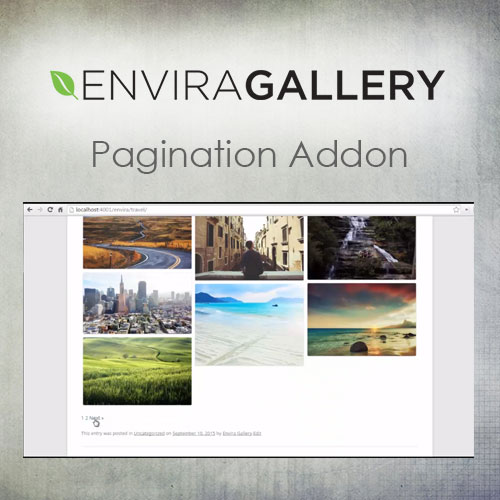

The Envira Gallery Pagination Addon is a premium extension for the Envira Gallery WordPress plugin. It is designed to handle galleries with a high volume of images by splitting them into multiple pages. This prevents “endless scrolling” and significantly improves page load times by only loading a set number of thumbnails at once.
This is EXACTLY the same product as distributed by the developer. Sales Page
Key Features
-
Multiple Pagination Types:
-
Classic (Page Reload): Standard “Next/Previous” or numbered links that reload the page.
-
AJAX (No Reload): Loads the next set of images instantly without refreshing the entire browser window.
-
Scroll (Lazy Loading): Automatically loads more images as the user scrolls down the page.
-
Load More Button: Displays a customizable button that users click to reveal the next batch of images.
-
-
Mobile Specific Settings: You can set different image-per-page counts for mobile devices to ensure fast loading on slower data connections.
-
Album Support: The addon isn’t limited to individual galleries; it works with Envira Albums to manage large collections of galleries.
-
SEO Friendly: By reducing initial page weight and potentially increasing pageviews (in the case of page-reload pagination), it can benefit your site’s performance metrics.
How to Configure It
Once the addon is activated, a new Pagination tab appears in your Envira Gallery settings:
-
Enable Pagination: Check the box to activate the feature for that specific gallery.
-
Images per Page: Enter the number of thumbnails you want to show at once (e.g., 20).
-
Pagination Position: Choose whether the navigation links appear above, below, or both above and below the gallery.
-
Pagination Type: Select between the AJAX, Scroll, or Classic methods mentioned above.
Technical Considerations
| Feature | Detail |
| Requirements | Requires an active Plus, Pro, or Agency license of Envira Gallery. |
| Styling | It inherits styles from your WordPress theme by default, but you can use the CSS Addon to custom-style the “Next/Prev” buttons. |
| Conflicts | If using Jetpack with AJAX pagination, you may need to add a specific filter to your functions.php to prevent conflicts. |
| Sorting | Avoid using “Random” sorting with pagination, as it can cause the same image to appear on multiple pages. |
Why use it?
If you have a gallery with 100+ high-resolution photos, loading them all at once can make your site feel sluggish and hurt your Google Core Web Vitals. This addon ensures that the browser only processes a manageable “chunk” of data at a time.
- Categories: WordPress Plugins
- Tags: Envira Gallery