
Gravity Forms Encrypted Fields is Gravity Forms’ #1 encryption and data access control plugin. It has advanced security and required flexible features.
This is EXACTLY the same product as distributed by the developer. Sales Page
1. Encryption Standards
-
Encryption Type: Uses AES-256 bit encryption, which is industry-standard (often referred to as “bank-grade”).
-
Encryption Method: Primarily utilizes OpenSSL (required for version 3.0+).
-
Decryption: Data is decrypted “on-the-fly” only for authorized users when viewing entries in the WordPress dashboard.
-
Security Modes: Includes an optional Strict Async mode, which requires an additional password to decrypt and view data, providing a second layer of defense even if a WordPress admin account is compromised.
2. Supported Field Types
The plugin allows you to selectively encrypt specific fields rather than the entire form. Supported fields include:
-
Standard: Single Line Text, Paragraph, Dropdown, Number, Checkboxes, Radio Buttons.
-
Advanced: Name, Date, Time, Phone, Address, Website, Email.
-
Specialty: File Uploads (encrypts both the actual file on the server and the metadata), List fields, and Multi-Select.
3. Key Features & Functionality
-
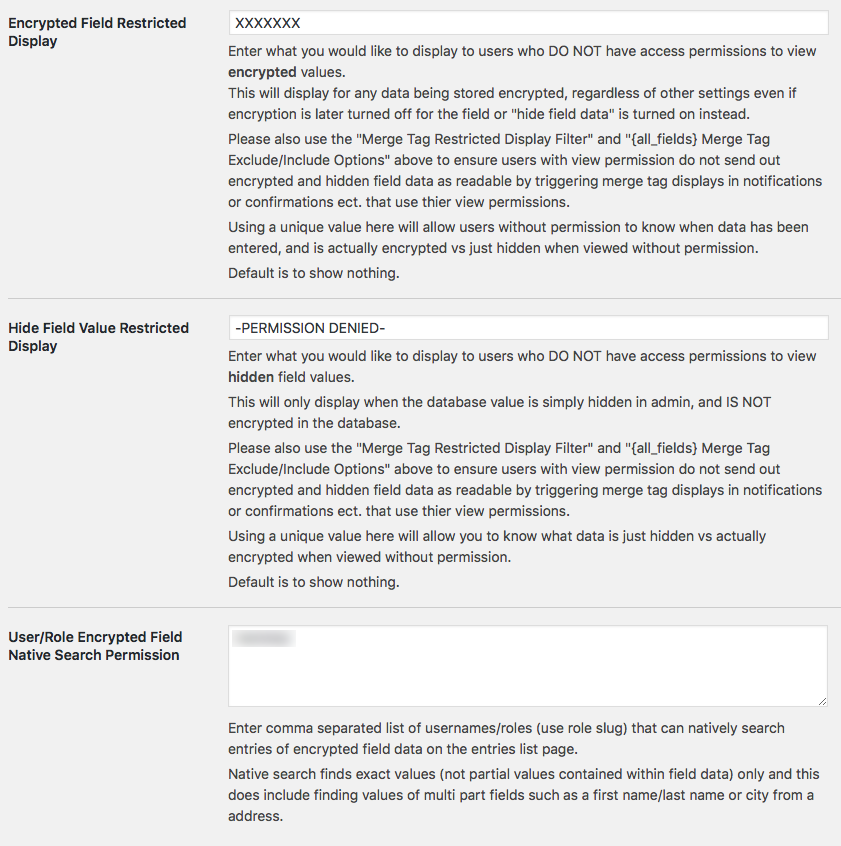
Granular Access Control: Role-based permissions determine who can view, search, or edit encrypted data.
-
Bulk Encryption/Decryption: You can encrypt existing entry data retrospectively or decrypt it if you decide to remove the plugin.
-
Merge Tag Security: By default, encrypted fields are masked in
{all_fields}merge tags to prevent sensitive data from being sent via unencrypted emails. -
Searchability: Limited search functionality is available for encrypted fields (typically requires “Exact Match” depending on the settings).
- Categories: WordPress Plugins
- Tags: CodeCanyon