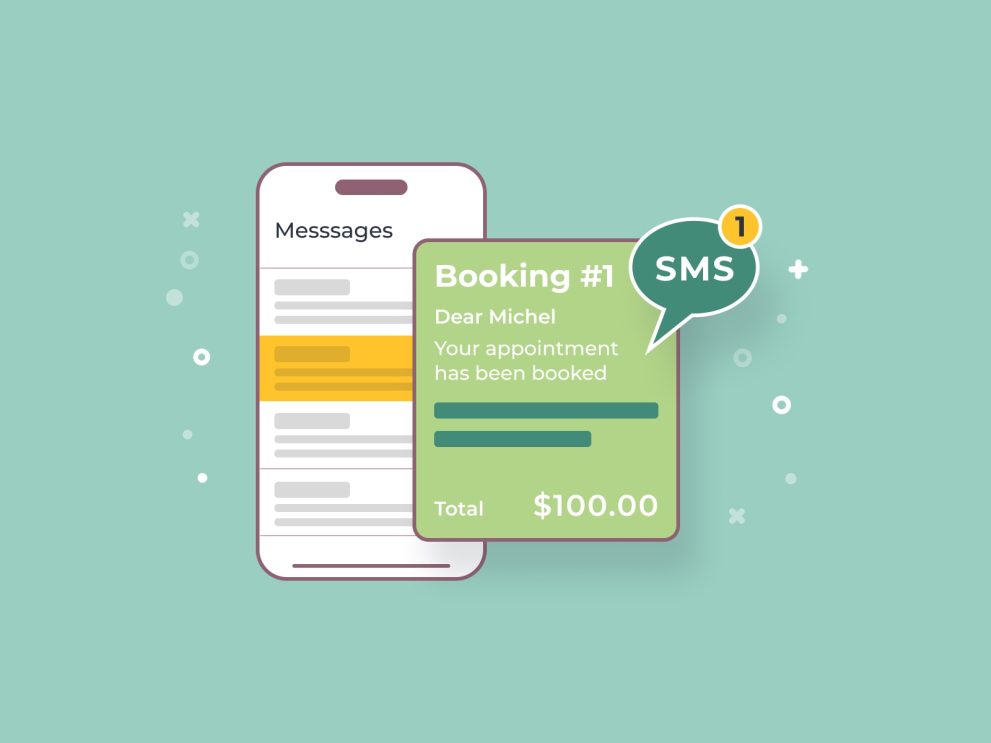

The MotoPress Appointment Booking Twilio SMS add-on is a premium extension for the MotoPress Appointment Booking plugin. It allows you to automate text message notifications to both clients and staff, which is one of the most effective ways to reduce no-shows.
This is EXACTLY the same product as distributed by the developer. Sales Page
Key Features
-
Automated Reminders: Send SMS alerts at specific intervals (e.g., 24 hours or 1 hour before the appointment).
-
Status Updates: Automatically notify clients when an appointment is confirmed, canceled, or when a payment is received.
-
Custom Templates: Use “tags” (like
%customer_name%or%appointment_time%) to personalize messages automatically. -
International Support: Includes a phone number field with country code validation to ensure messages reach global clients.
-
Two-Way Connectivity: Supports various Twilio sender types, including your own verified number, Twilio-issued numbers, and alphanumeric Sender IDs (where supported).
How it Works (The Setup)
To get this running, you need three components: the core MotoPress Appointment Booking plugin, the Twilio SMS add-on, and a Twilio account.
-
Connect to Twilio: You’ll copy your Account SID and Auth Token from your Twilio dashboard into the plugin settings in WordPress.
-
Configure Sender: Choose how you want the “From” field to appear (a dedicated Twilio number, a shortcode, or a verified business name).
-
Create Notifications: In the WordPress dashboard under
Appointments > Notifications, you can “Add New” and select SMS as the notification type. -
Set Triggers: Define exactly when the message should fire (e.g., “Immediately after booking” or “2 days before appointment”).
- Categories: WordPress Plugins
- Tags: MotoPress