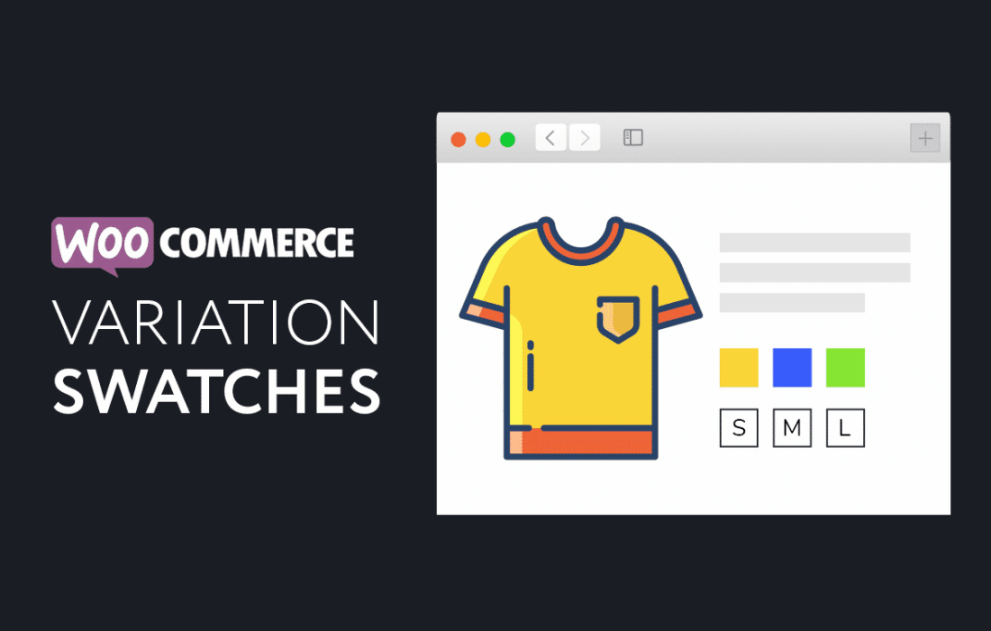

XT Variation Swatches for WooCommerce Pro is a premium WordPress extension designed to replace the standard, often clunky dropdown menus for product variations with visual swatches. It aims to improve the shopping experience by letting customers see and select options like colors, images, and sizes instantly.
This is EXACTLY the same product as distributed by the developer. Sales Page
Note: This Product is Activated.
Core Features
The plugin is built to be “plug and play” but offers deep customization through the WordPress Customizer with a live preview.
-
Attribute Types: Converts dropdowns into Color, Image, Label, or Radio buttons.
-
Automatic Conversion: It can automatically detect if an attribute (like “Color”) has an associated image and display that image swatch by default.
-
Location Support: Swatches aren’t limited to the product page; they can also be enabled on Catalog/Shop pages and within Quick View modals.
-
Customization: You can adjust swatch width, height, font size, spacing, and shapes (Square, Circle, or Rounded).
-
Tooltips: Supports both Text and Image tooltips that appear when a user hovers over a swatch, providing more context (e.g., a larger view of a pattern).
Pro vs. Free Version
While the free version covers the basics, the Pro version unlocks advanced styling and functionality:
| Feature | Free Version | Pro Version |
| Live Preview Customizer | Limited options | Full customization |
| Out-of-Stock Variations | Standard display | Hide, Blur, or Blur & Cross |
| Tooltips | Basic | Image & Text with style control |
| Attribute Overrides | Global only | Product-specific settings |
| Catalog Mode | Basic | Advanced display in archives |
| Dual Color Swatches | No | Yes |
Key Benefits
-
Lower Friction: Customers can see all available options at once without clicking a dropdown, which can lead to higher conversion rates.
-
Mobile-Friendly: Swatches are much easier to tap on a touchscreen than the tiny arrows of a native HTML dropdown.
-
Visual Clarity: Using image swatches for patterns or textures (like “Oak” vs. “Walnut”) is much more effective than text labels.
-
Ajax Support: It includes options to bypass the default WooCommerce Ajax variation threshold, ensuring swatches work smoothly even for products with many variations.
Performance & Support
-
Compatibility: Works well with popular themes like Astra, OceanWP, and Divi. It is specifically designed to integrate with other “XT” plugins like XT Quick View and XT Floating Cart.
-
Support: Reviews generally praise the support team for being responsive to compatibility issues with specific themes.
- Categories: WordPress Plugins
- Tags: XT Plugins