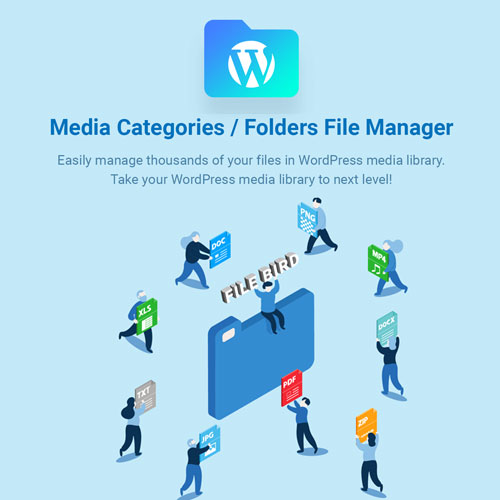

FileBird is a leading WordPress plugin designed to organize your media library using a virtual folder system. Unlike standard file managers that change the physical path of your files (which can break links), FileBird creates a “virtual” structure, keeping your actual URLs safe while making the dashboard much cleaner.
This is EXACTLY the same product as distributed by the developer. Sales Page
Key Features
1. Advanced Folder Management
-
Virtual Folder Tree: Create, rename, move, and delete folders with a hierarchical view.
-
Drag-and-Drop: Move single or bulk files into folders just like on a Windows or Mac desktop.
-
Smart Context Menu: Right-click a folder to instantly access management options (New, Rename, Delete, Download).
2. User Experience & Design
-
Resizable Sidebar: Adjust the width of the folder pane to fit long folder names.
-
Folder Themes (Pro): Choose between styles like Dropbox, Windows 11, or the classic FileBird look.
-
Folder Colors (Pro): Assign specific colors to folders for faster visual identification.
3. Workflow Efficiency
-
Startup Folder: Configure FileBird to open a specific folder or the last-used folder upon login.
-
Global Search: Search for files and folders directly within the media library or inside the page builder interface.
-
Dynamic Gallery Block: Use the FileBird Gutenberg block to display a gallery based on a folder—any new image added to that folder automatically appears in the gallery.
Free vs. Pro Comparison
While the Free version is quite robust, the Pro version adds “quality of life” features for larger websites.
| Feature | FileBird Lite (Free) | FileBird Pro |
| Folders & Subfolders | Unlimited | Unlimited |
| Drag & Drop Upload | Yes | Yes |
| Gutenberg Block | Yes | Yes |
| Download Folder as ZIP | No | Yes |
| Folder Colors & Themes | No | Yes |
| Sort Files (Size, Author) | No | Yes |
| Categorize Posts/Pages | No | Yes |
Why Use FileBird?
The “No-Broken-Links” Guarantee: One of the biggest technical advantages of FileBird is that it does not change the file permalinks in your database. If you move an image from “Folder A” to “Folder B” in the sidebar, the image’s URL remains the same (e.g.,
uploads/2026/04/image.jpg). This ensures your live website never ends up with “404 Not Found” errors due to organization.
Migration Support
If you are coming from another plugin, FileBird can import the folder structure from:
-
Enhanced Media Library
-
WP Media Folder (JoomUnited)
-
HappyFiles
-
Real Media Library
-
Media Library Folders (Max Foundry)
- Categories: WordPress Plugins
- Tags: CodeCanyon