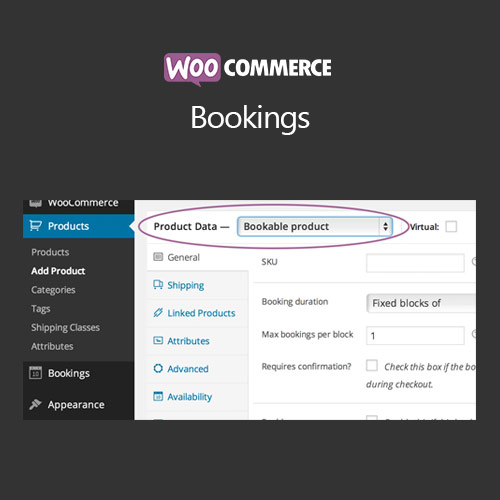

WooCommerce Bookings allows customers to book appointments, rentals, or services directly from your store. Manage availability, pricing, and scheduling to provide a seamless booking experience.
This is EXACTLY the same product as distributed by the developer. Sales Page
WooCommerce Bookings – Introduction
WooCommerce Bookings is a plugin that enables you to sell bookable products or services. Customers can reserve specific dates or times, while you manage availability, pricing, and notifications efficiently.
Key Features
- Create bookable products for appointments, rentals, or services
- Flexible booking durations: hourly, daily, or custom intervals
- Set availability rules including date ranges, holidays, and capacity limits
- Integration with WooCommerce checkout and payment gateways
- Automated notifications for bookings, confirmations, and cancellations
- Support for multiple bookable products and variable pricing
- Responsive booking interface for desktop and mobile
- Buffer time and booking restrictions for efficient scheduling
- Reporting and analytics for bookings and revenue
- Integration with calendar tools like Google Calendar (optional)
Getting Started
- Install and activate WooCommerce Bookings plugin.
- Create bookable products and define durations and availability rules.
- Set pricing options, including seasonal or peak rates.
- Configure notifications for customers and admin.
- Test booking process to ensure correct scheduling and payments.
- Publish products and manage bookings through WooCommerce dashboard.
Summary
WooCommerce Bookings offers a robust solution for selling bookable products or services. With flexible scheduling, pricing, and notifications, it ensures a smooth experience for both customers and store owners.
- Categories: WooCommerce
- Tags: WooCommerce