
WooCommerce Instagram connects your store with Instagram, allowing you to showcase products, tag items in posts, and drive traffic directly to your store from social media.
Download 5,000+ Themes & Plugins for Only $15 Join Now
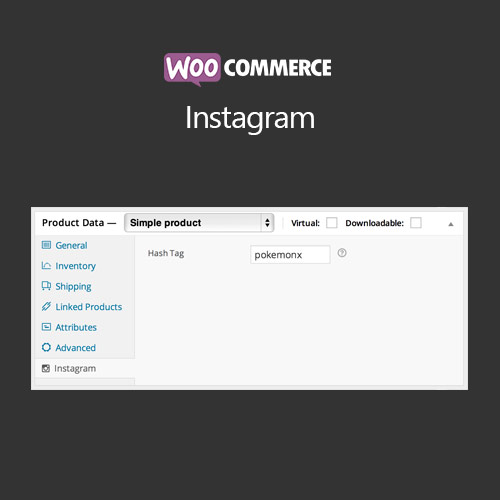

WooCommerce Instagram connects your store with Instagram, allowing you to showcase products, tag items in posts, and drive traffic directly to your store from social media.
This is EXACTLY the same product as distributed by the developer. Sales Page
WooCommerce Instagram integrates your store with Instagram to showcase products, tag items in posts, and encourage social shopping. It helps drive traffic and increase conversions via social media engagement.
WooCommerce Instagram bridges your store with social media, allowing customers to discover and purchase products directly from Instagram. It improves engagement, visibility, and sales through social channels.
