
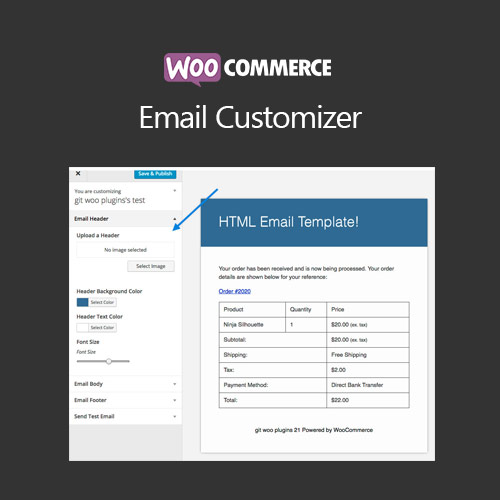

WooCommerce Email Customizer allows store owners to design and personalize transactional and marketing emails. Modify layouts, colors, logos, and content to match your brand, improving customer engagement and enhancing email communication from WooCommerce stores.
This is EXACTLY the same product as distributed by the developer. Sales Page
WooCommerce Email Customizer – Introduction
WooCommerce Email Customizer enables full control over your store’s emails. Customize transactional emails like order confirmations, invoices, shipping notifications, and marketing emails with your branding. It improves customer engagement by delivering professional and visually consistent email communication.
Key Features
- Drag-and-drop email builder for WooCommerce emails
- Customize layouts, colors, logos, and typography
- Preview changes in real-time
- Supports all WooCommerce transactional emails (order, shipping, refund, etc.)
- Add custom content blocks, images, or promotional messages
- Mobile-friendly and responsive email templates
- Save templates for future use
- Integrates with WooCommerce Subscriptions, Bookings, and Memberships
- Enhances brand consistency across communications
- Boosts customer engagement and conversion through professional design
Getting Started
- Install and activate WooCommerce Email Customizer plugin.
- Select an email type to customize from plugin settings.
- Drag and drop elements to build your email layout.
- Customize colors, fonts, logos, and content.
- Preview changes on desktop and mobile.
- Save template and send test emails to verify appearance.
Summary
WooCommerce Email Customizer allows store owners to create visually appealing, branded emails for all customer communications. It enhances engagement, strengthens brand consistency, and improves the overall email experience, helping stores stand out professionally.
- Categories: WooCommerce
- Tags: WooCommerce
