
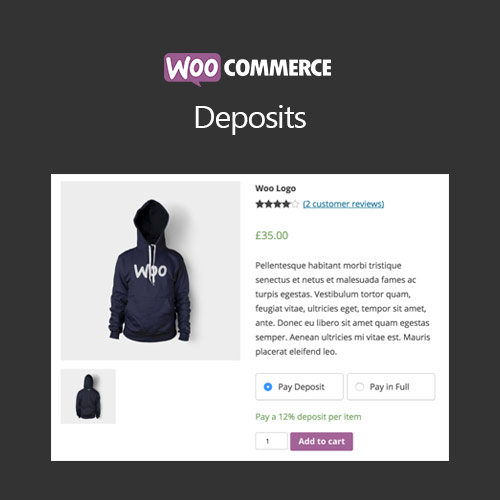

WooCommerce Deposits allows customers to pay a fixed amount or percentage of an order upfront, with the remaining balance paid later. It helps store owners manage high-value products, increase conversions, and provide flexible payment options for customers.
This is EXACTLY the same product as distributed by the developer. Sales Page
WooCommerce Deposits – Introduction
WooCommerce Deposits enables store owners to accept partial payments for products or services. Customers can pay a deposit upfront and complete the remaining payment later, making high-value purchases more accessible and improving conversion rates. The plugin is ideal for pre-orders, bookings, and customized products.
Key Features
- Enable deposits or partial payments per product
- Set fixed or percentage-based deposit amounts
- Allow payment of balance manually or automatically
- Supports variable and subscription products
- Option to restrict checkout until full payment is completed
- Integration with WooCommerce reporting and analytics
- Mobile-friendly interface for both customers and admins
- Track deposit and balance payments easily
- Flexible configuration for pre-orders, bookings, or custom items
- Improves customer affordability and increases conversions
Getting Started
- Install and activate WooCommerce Deposits plugin.
- Edit a product and enable deposit option.
- Set deposit type as fixed or percentage and define amounts.
- Configure payment options for balance collection.
- Test the checkout flow with deposit and full payment options.
- Monitor deposits and balances through WooCommerce orders.
Summary
WooCommerce Deposits makes it easy to accept partial payments, improving affordability for customers and boosting sales for high-value products. It integrates seamlessly with WooCommerce checkout, inventory, and reporting, offering a flexible and professional solution for partial payment management.
- Categories: WooCommerce
- Tags: WooCommerce
