
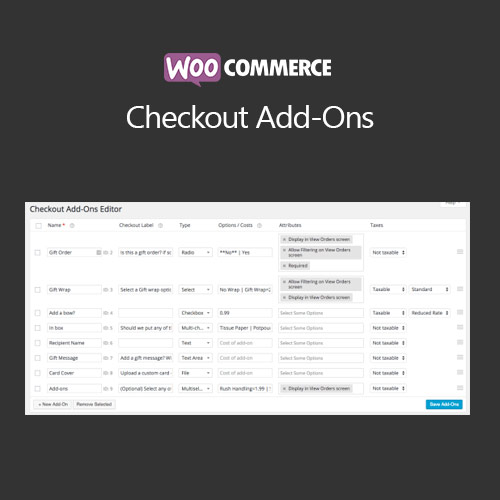

WooCommerce Checkout Add-Ons allows store owners to add extra options, fields, or services at checkout. Enhance customer experience with gift messages, special instructions, personalization, or additional product services, increasing sales and improving satisfaction.
This is EXACTLY the same product as distributed by the developer. Sales Page
WooCommerce Checkout Add-Ons – Introduction
WooCommerce Checkout Add-Ons lets you add extra options or fields during the checkout process. Store owners can offer personalized services, gift messages, special instructions, or optional add-ons, providing a customized shopping experience and increasing revenue per order.
Key Features
- Add text, checkbox, radio, select, and file upload fields at checkout
- Offer optional or mandatory add-ons for products
- Charge additional fees for selected add-ons
- Supports conditional logic for specific products or categories
- Mobile-friendly and responsive checkout fields
- Integration with WooCommerce email notifications and order summaries
- Customizable labels, placeholders, and messages
- Track add-on selections in reports
- Enhances customer experience with personalization and flexibility
- Compatible with WooCommerce Subscriptions and Bookings
Getting Started
- Install and activate WooCommerce Checkout Add-Ons plugin.
- Create new checkout fields in the plugin settings.
- Define field types, labels, and optional fees if applicable.
- Apply conditional logic for product-specific add-ons.
- Test checkout process to verify add-ons display and work correctly.
- Monitor orders to ensure add-ons are captured and included in invoices.
Summary
WooCommerce Checkout Add-Ons enhances the checkout experience by allowing optional or mandatory extra fields and services. It provides flexibility, increases order value, and allows store owners to offer personalized options directly during checkout.
- Categories: WooCommerce
- Tags: WooCommerce
