
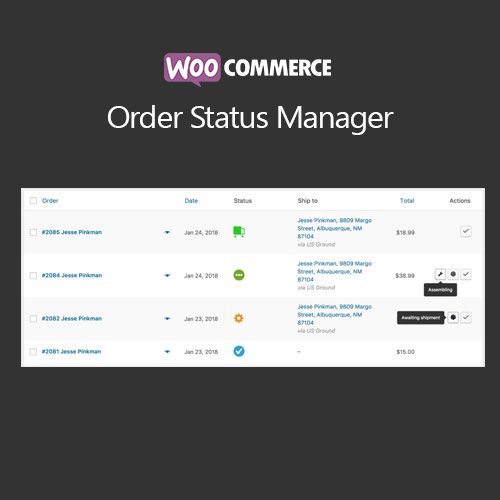

WooCommerce Order Status Manager lets you create, edit, and delete custom order statuses for your store. Automate order workflows, trigger emails, and manage order progress efficiently, providing better customer communication and improving overall order management.
This is EXACTLY the same product as distributed by the developer. Sales Page
WooCommerce Order Status Manager – Introduction
WooCommerce Order Status Manager is an essential extension for managing orders efficiently. It allows store owners to create custom order statuses, update workflows, and automate notifications. By providing better order tracking and communication, it ensures customers stay informed and improves backend order management.
Key Features
- Create, edit, or delete custom order statuses
- Assign icons and colors for easy identification
- Trigger automated emails based on order status changes
- Integration with WooCommerce workflow and reporting
- Supports variable and subscription products
- Conditional logic to apply statuses to specific orders
- Mobile-friendly and compatible with all themes
- Improves internal order management and team communication
- Enhances customer experience through clear status updates
- Compatible with WooCommerce extensions like Subscriptions, Bookings, and Memberships
Getting Started
- Install and activate WooCommerce Order Status Manager plugin.
- Create new custom order statuses in the settings.
- Assign colors, icons, and labels for each status.
- Set triggers for automated emails on status changes.
- Apply conditional rules to specific orders or product types.
- Test order updates to ensure proper notifications are sent.
Summary
WooCommerce Order Status Manager allows flexible order workflow management and improves customer communication. Custom statuses help store owners manage orders efficiently while keeping customers informed, enhancing both operational control and user experience.
- Categories: WooCommerce
- Tags: WooCommerce
