
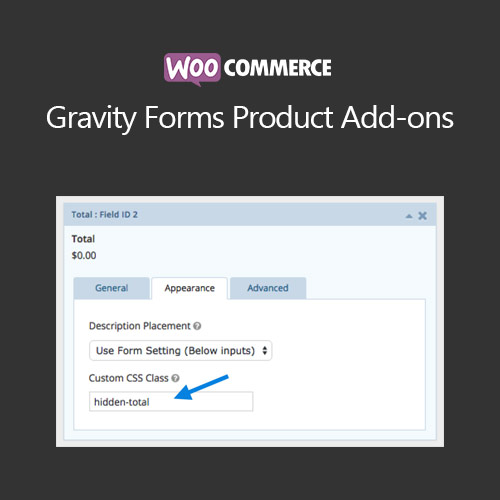

WooCommerce Gravity Forms Product Add-ons allows store owners to create custom product forms with Gravity Forms. Add complex options, pricing rules, and conditional logic to products, enhancing flexibility and boosting sales.
This is EXACTLY the same product as distributed by the developer. Sales Page
WooCommerce Gravity Forms Product Add-ons – Introduction
WooCommerce Gravity Forms Product Add-ons integrates Gravity Forms with WooCommerce products, enabling advanced product customization. Store owners can create detailed forms with options, conditional logic, and dynamic pricing to offer highly customizable products to customers.
Key Features
- Attach Gravity Forms to WooCommerce products
- Supports conditional logic and dynamic fields
- Calculate pricing based on form selections
- Supports variable and simple products
- Mobile-friendly and responsive form layouts
- Email notifications based on form submissions
- Integration with WooCommerce cart and checkout
- Enhances product personalization and customer engagement
- Supports multiple forms per product
- Compatible with popular WooCommerce themes
Getting Started
- Install and activate WooCommerce Gravity Forms Product Add-ons plugin.
- Create a Gravity Form with desired fields and conditional logic.
- Attach the form to a WooCommerce product in the product editor.
- Test the product on the frontend to ensure proper form behavior.
- Monitor submissions and adjust form fields or pricing rules as needed.
Summary
WooCommerce Gravity Forms Product Add-ons allows for advanced product customization using Gravity Forms. It provides flexible options, pricing logic, and enhanced user experience, increasing customer satisfaction and boosting sales.
- Categories: WooCommerce
- Tags: WooCommerce
