
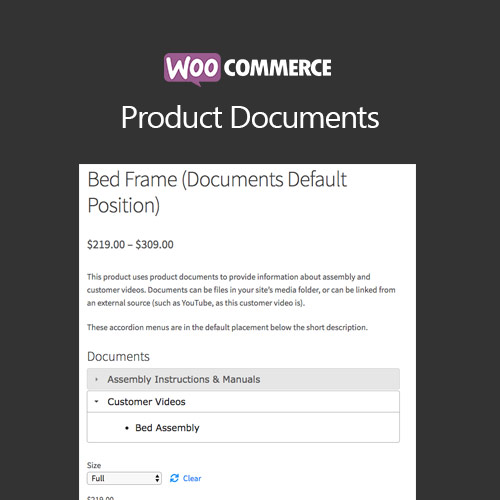

WooCommerce Product Documents allows store owners to attach downloadable documents to products. Provide manuals, specifications, or guides to customers, improving post-purchase experience, reducing support queries, and enhancing product value.
This is EXACTLY the same product as distributed by the developer. Sales Page
WooCommerce Product Documents – Introduction
WooCommerce Product Documents enables sellers to attach downloadable files like manuals, warranties, and guides to products. This helps customers access essential product information, reduces support requests, and enhances overall product value.
Key Features
- Attach documents to products: Add PDFs, Word files, or spreadsheets to individual products for reference.
- Multiple file support: Assign multiple documents per product to provide comprehensive information.
- Custom document titles: Give meaningful names to documents for better clarity.
- Visibility control: Restrict document downloads to logged-in customers or members.
- Download tracking: Monitor how often documents are accessed to analyze customer engagement.
- Frontend display: Documents appear clearly on product pages for easy access.
- Improves customer support: Reduces support queries by providing self-service resources.
- SEO-friendly: Enhances product pages with rich content for search engines.
Getting Started
- Install and activate WooCommerce Product Documents plugin.
- Add documents via the product editor for each product.
- Set visibility and access restrictions as needed.
- Test document downloads on frontend.
- Monitor download statistics for customer insights.
Summary
WooCommerce Product Documents enhances product pages by providing downloadable guides, manuals, and specifications. It improves customer experience, reduces support workload, and adds value to your products, helping drive customer satisfaction and loyalty.
- Categories: WooCommerce
- Tags: WooCommerce
