
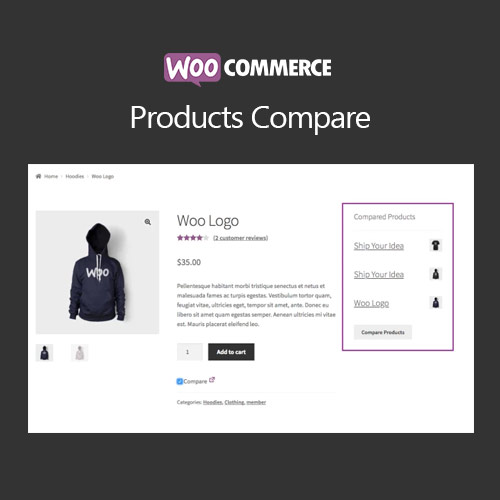

WooCommerce Products Compare enables customers to compare multiple products side by side. Highlight differences in features, prices, and specifications, helping shoppers make informed purchasing decisions and increasing conversion rates.
This is EXACTLY the same product as distributed by the developer. Sales Page
WooCommerce Products Compare – Introduction
WooCommerce Products Compare allows customers to evaluate multiple products simultaneously by displaying key features, pricing, and specifications side by side. This improves user experience, reduces purchase hesitation, and increases conversion rates on your WooCommerce store.
Key Features
- Compare multiple products side by side
- Display features, specifications, prices, and ratings
- Supports simple and variable products
- Customizable comparison table layout and design
- Mobile-friendly comparison interface
- Integration with WooCommerce product pages and widgets
- Easy-to-use “Add to Compare” button for customers
- Enhances customer decision-making process
- Option to highlight differences for better visibility
- Boosts user engagement and increases sales
Getting Started
- Install and activate WooCommerce Products Compare plugin.
- Add comparison button to products via plugin settings.
- Customize table layout, style, and feature display options.
- Test product comparison on desktop and mobile devices.
- Monitor customer interactions and adjust settings for best experience.
Summary
WooCommerce Products Compare enhances shopping experience by allowing customers to compare products effectively. It reduces decision-making friction, improves engagement, and drives higher conversions through informed purchasing.
- Categories: WooCommerce
- Tags: WooCommerce
